The HighLevel Home Service Business Management Software
Manage dispatch, route plan, techs, quotes, invoices, and more in GHL, the only dedicated field service app for HighLevel home service businesses and contractors.
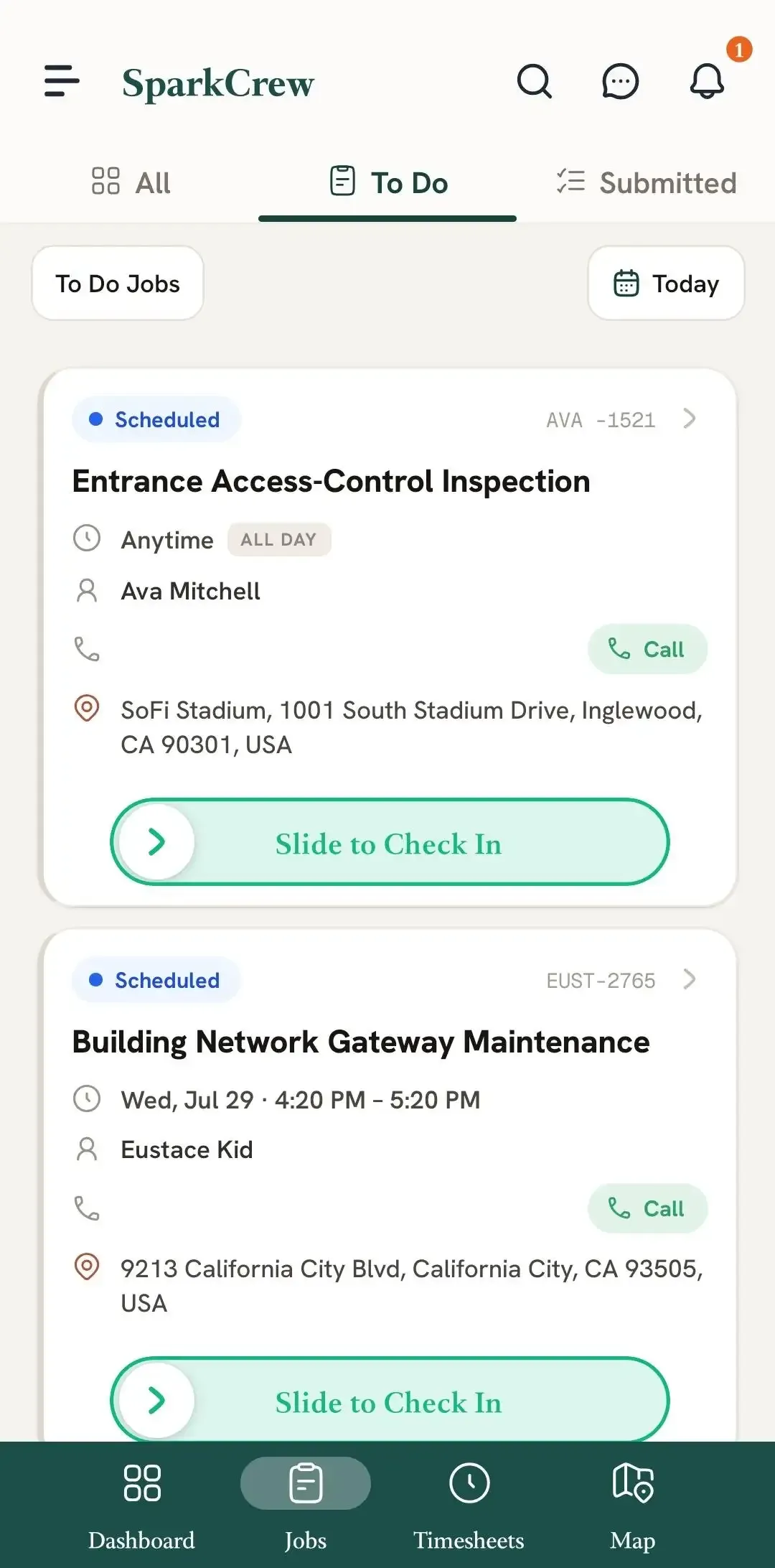
To send Before Images from the FieldTask Mobile App, you need to first check into the job.
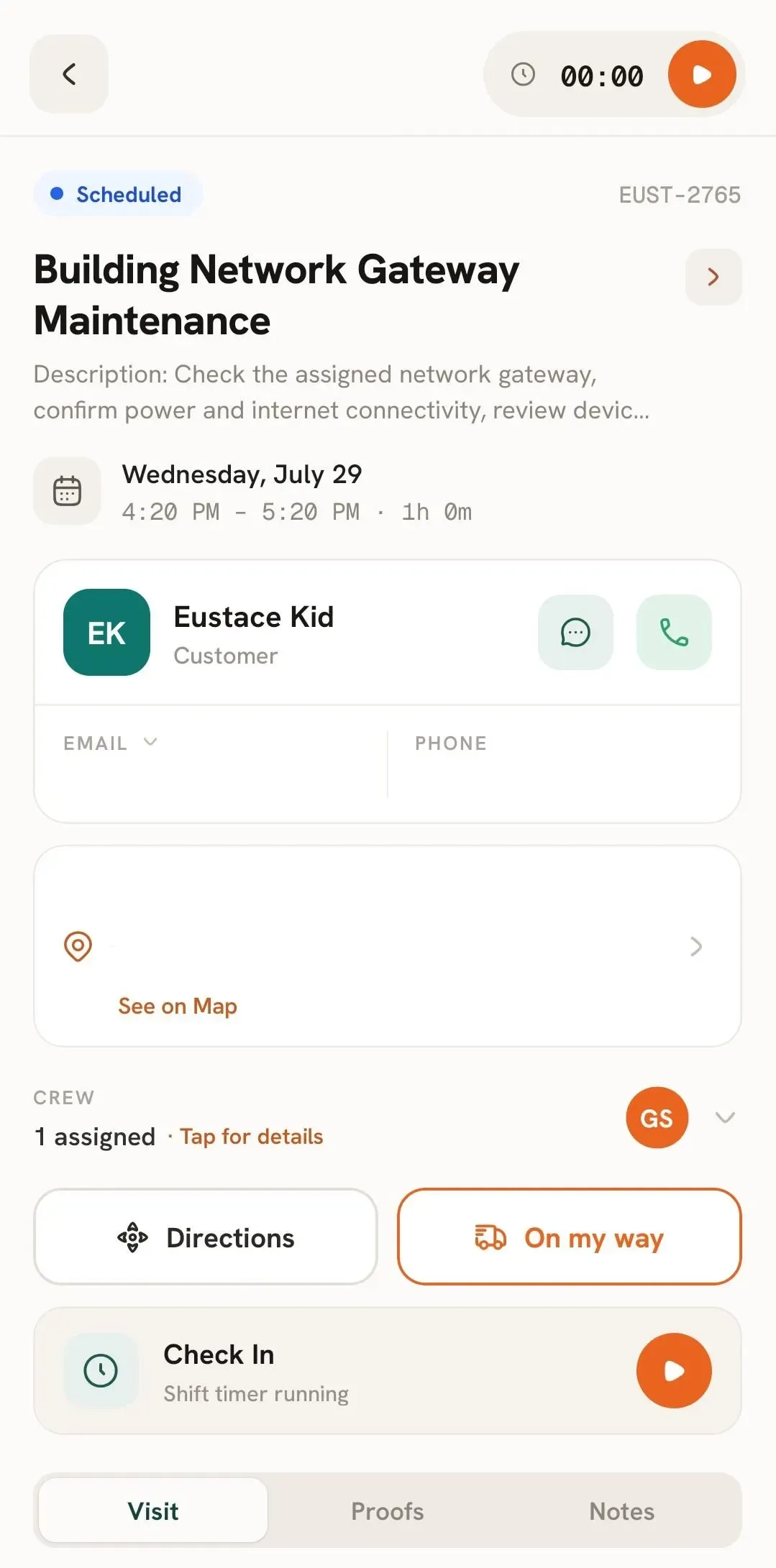
Now access the Job Details Page.
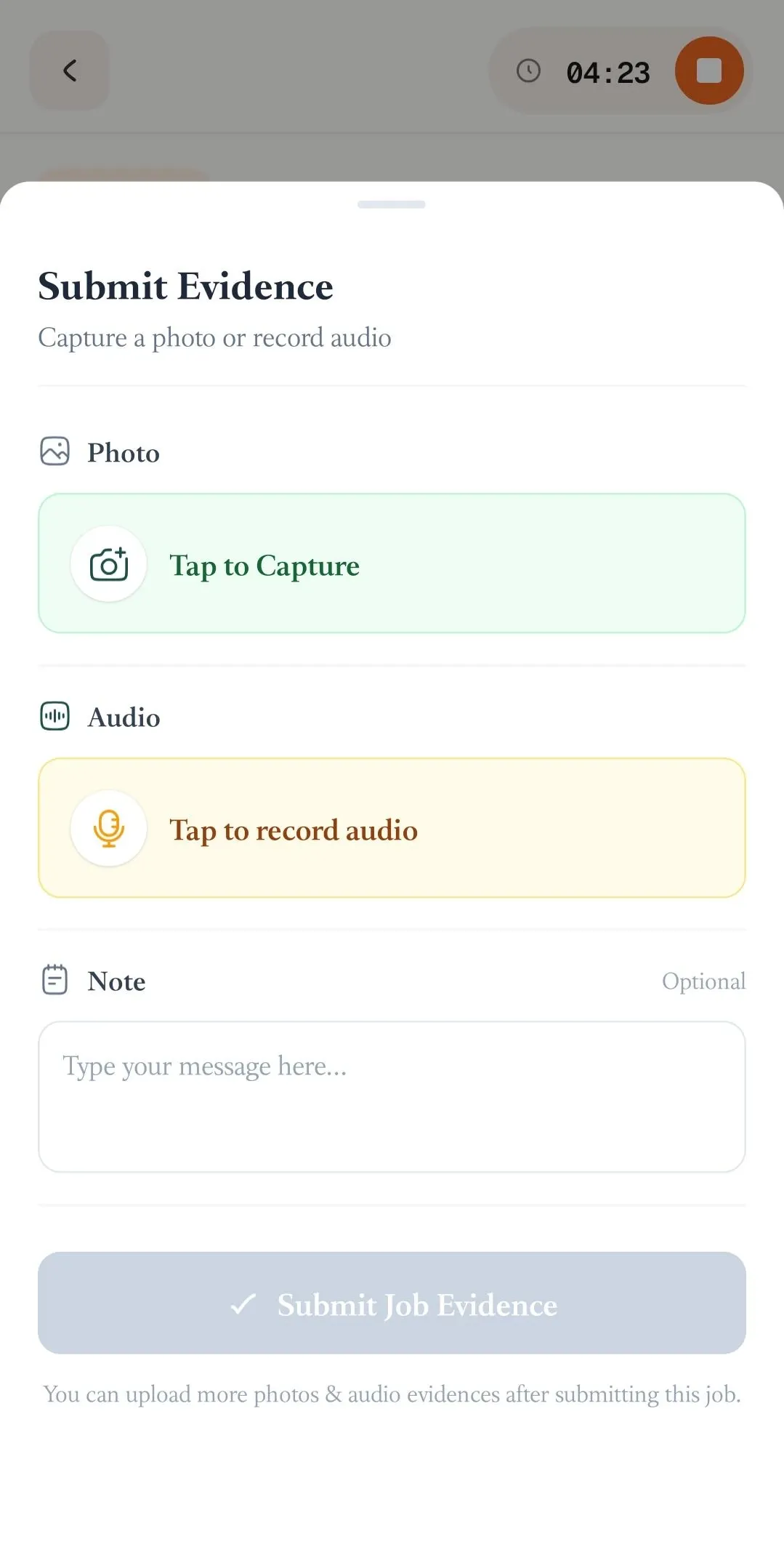
Scroll to the bottom and choose the Proofs section. Tap the Add Evidence Button here to send your Before Images.
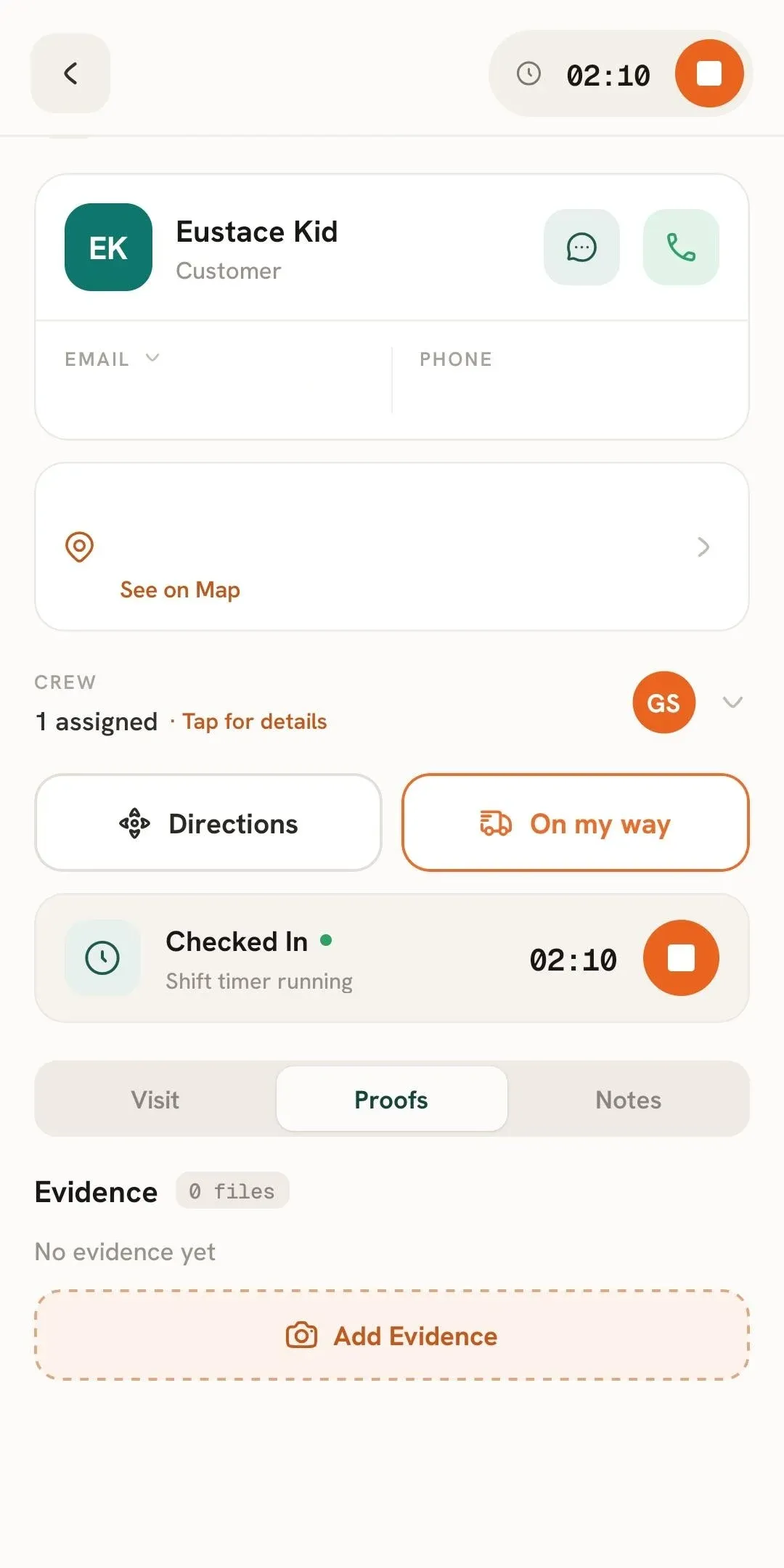
To send After Images, you can follow the above process. Or you can check out of the job and send the evidence from there.
Manage dispatch, route plan, techs, quotes, invoices, and more in GHL, the only dedicated field service app for HighLevel home service businesses and contractors.
The complete FieldTask sitemap: quick links to all pages.
Learn how FieldTask supports HIPAA compliance for home health and field service teams—encryption, BAAs, access controls, and audit logging.