The HighLevel Home Service Business Management Software
Manage dispatch, route plan, techs, quotes, invoices, and more in GHL, the only dedicated field service app for HighLevel home service businesses and contractors.
No image available
Learn how to choose which CRM calendar FieldTask should use when bringing appointments into FieldTask as jobs.
Members of your Organization who are also present on your CRM Staff List may have appointments associated with multiple calendars.
FieldTask allows you to choose which calendar should be used when syncing Appointments into FieldTask as Jobs.
To configure Calendar Sync for a Member:
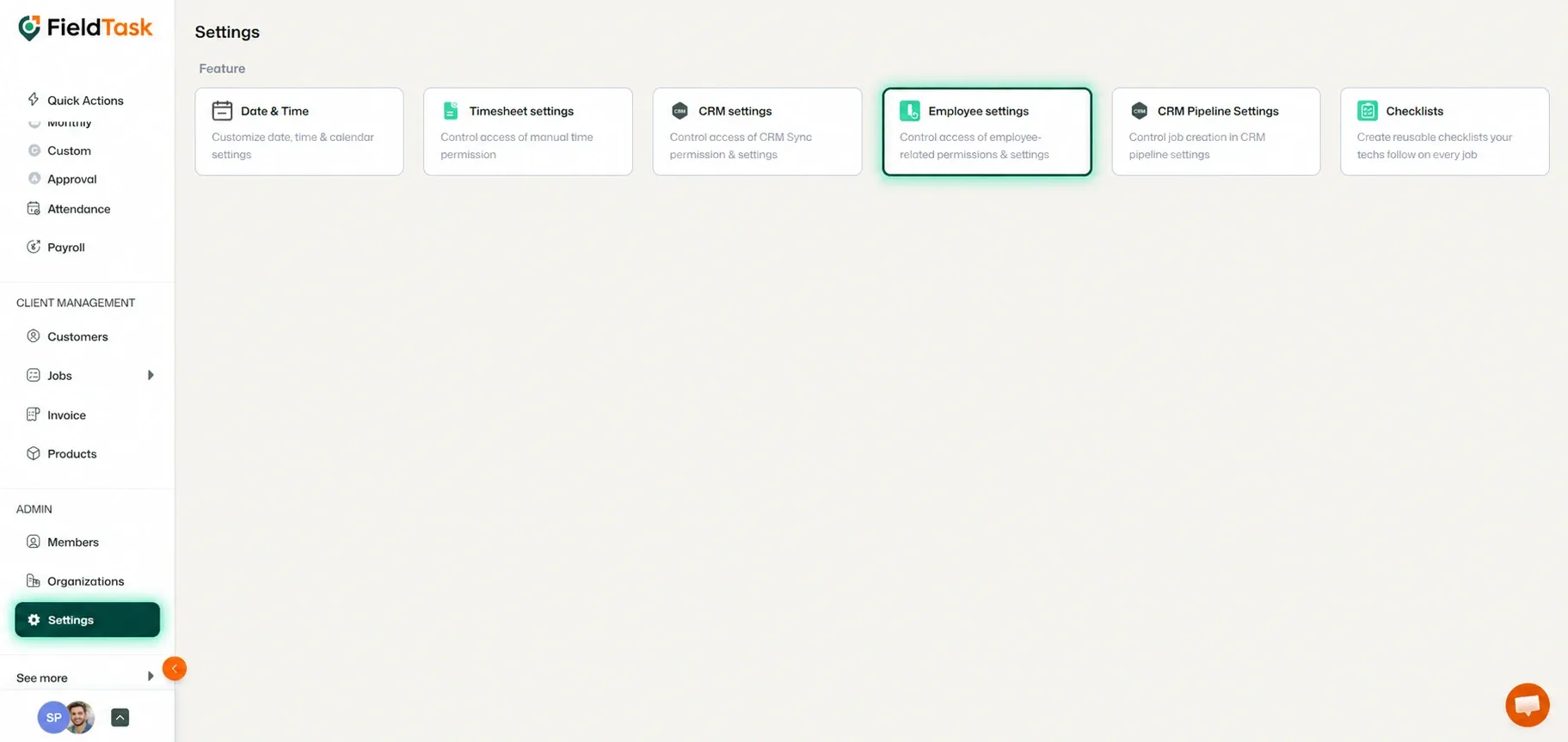
The Employee Settings page contains several sections for managing Member and Job-related permissions.
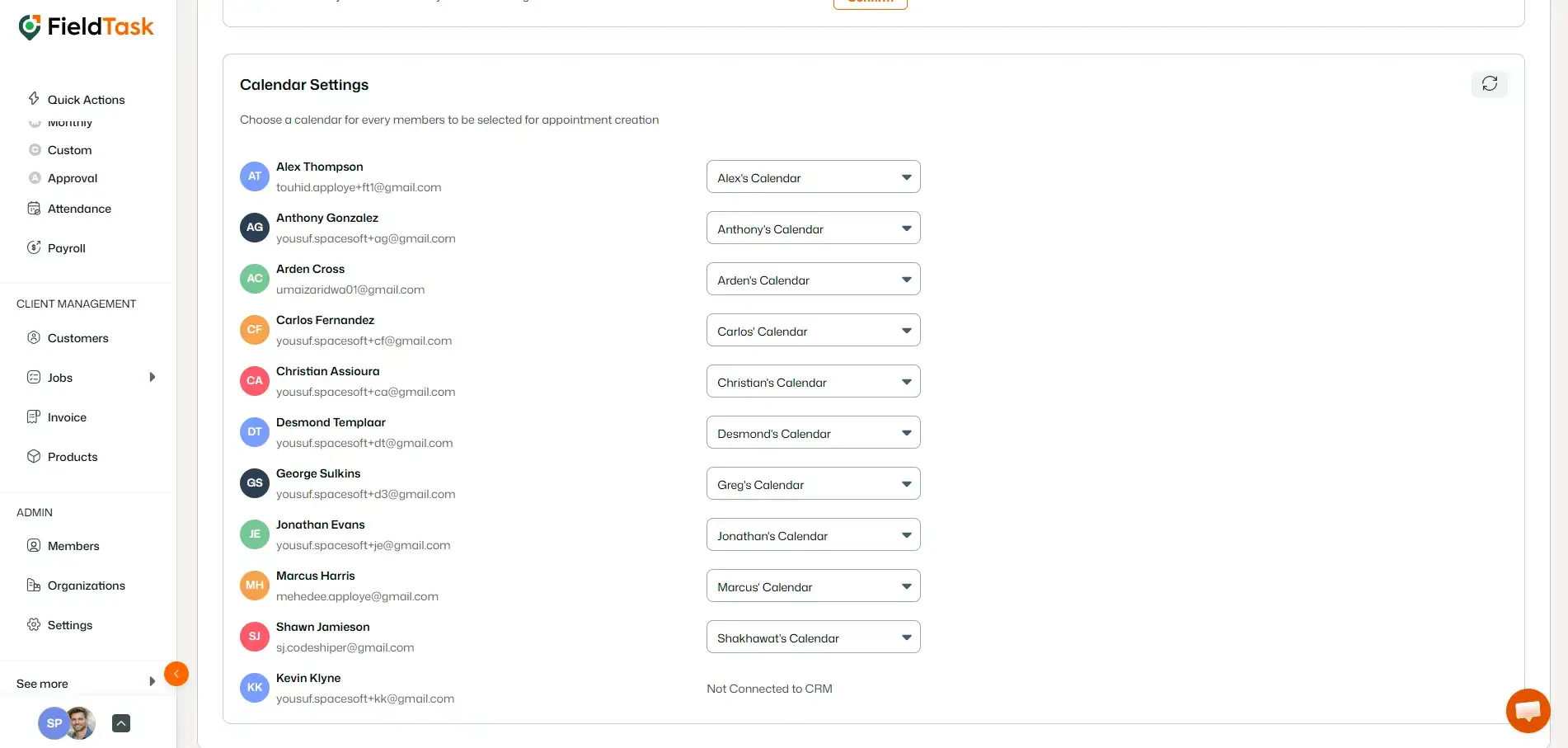
The Calendar Settings section displays a list of your FieldTask Members.
Beside each Member, you will see a drop-down menu.
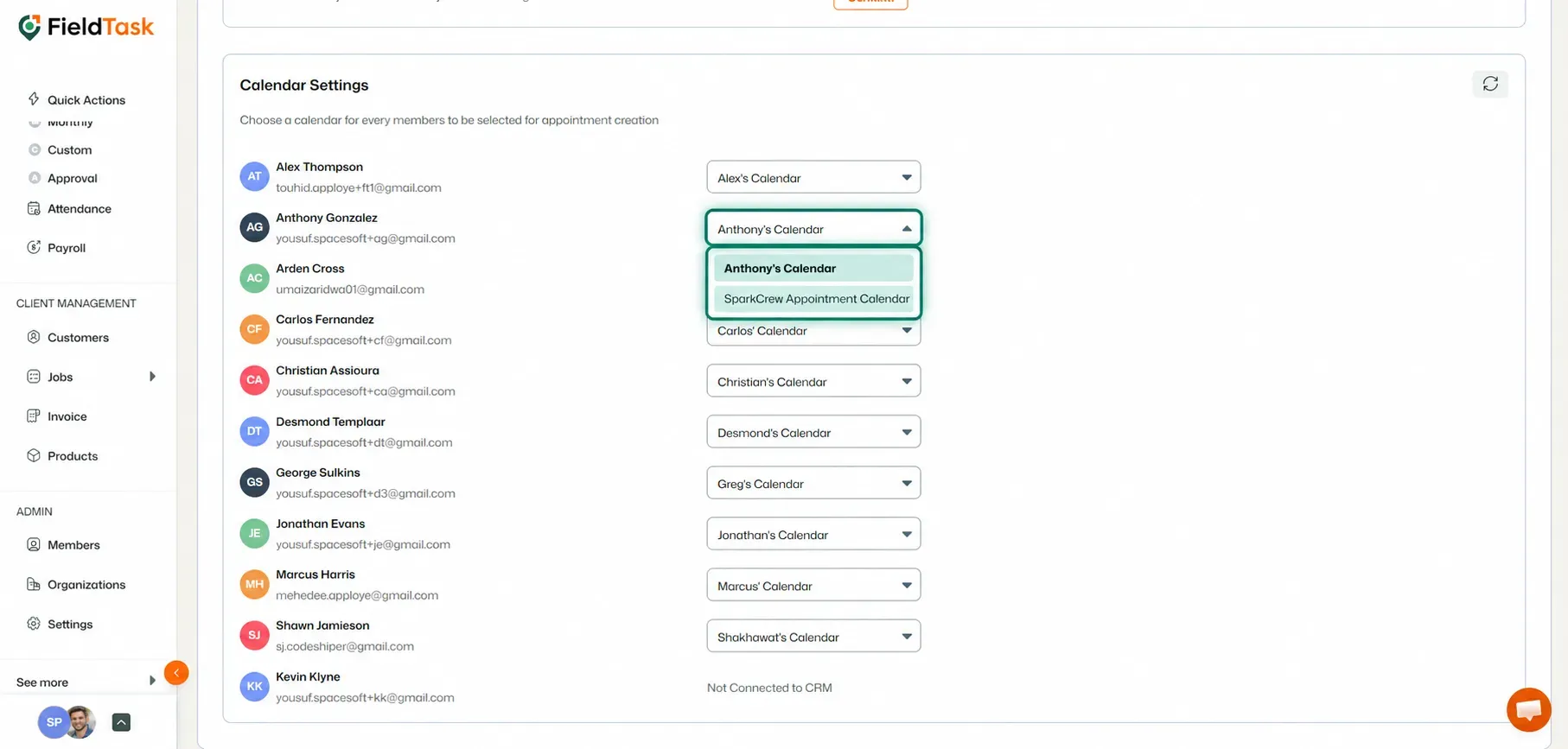
Once configured, FieldTask can use the selected calendar when bringing the Member's CRM Appointments into FieldTask as Jobs.
If you do not see a particular Member in the list, or if the calendar drop-down is not available for them:
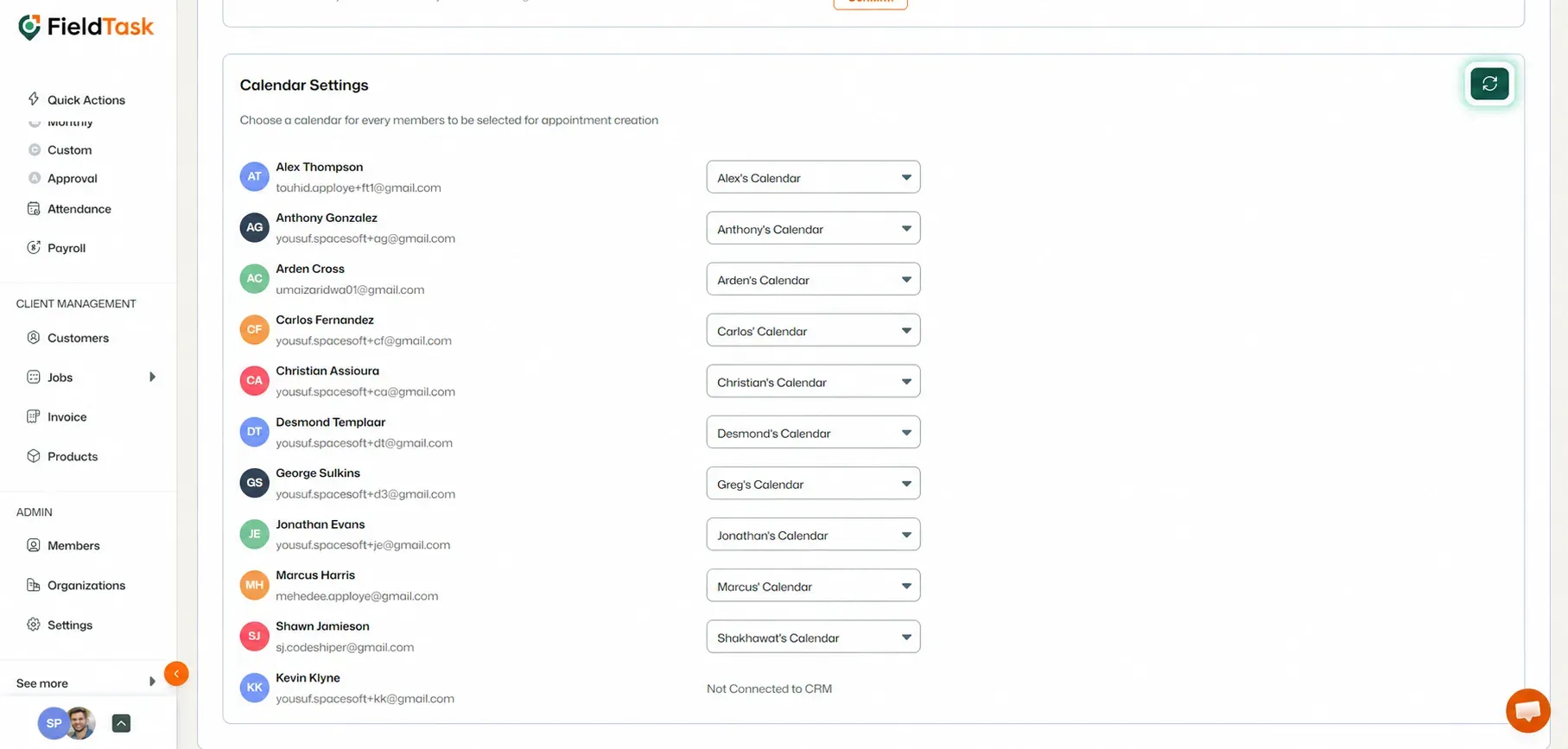
FieldTask will refresh the section and update the available Member and calendar information from your CRM.
📌 Note: A Member must also be present on your CRM Staff List for their associated calendars to be available for Calendar Sync.
Manage dispatch, route plan, techs, quotes, invoices, and more in GHL, the only dedicated field service app for HighLevel home service businesses and contractors.
The complete FieldTask sitemap: quick links to all pages.
Learn how FieldTask supports HIPAA compliance for home health and field service teams—encryption, BAAs, access controls, and audit logging.