The HighLevel Home Service Business Management Software
Manage dispatch, route plan, techs, quotes, invoices, and more in GHL, the only dedicated field service app for HighLevel home service businesses and contractors.
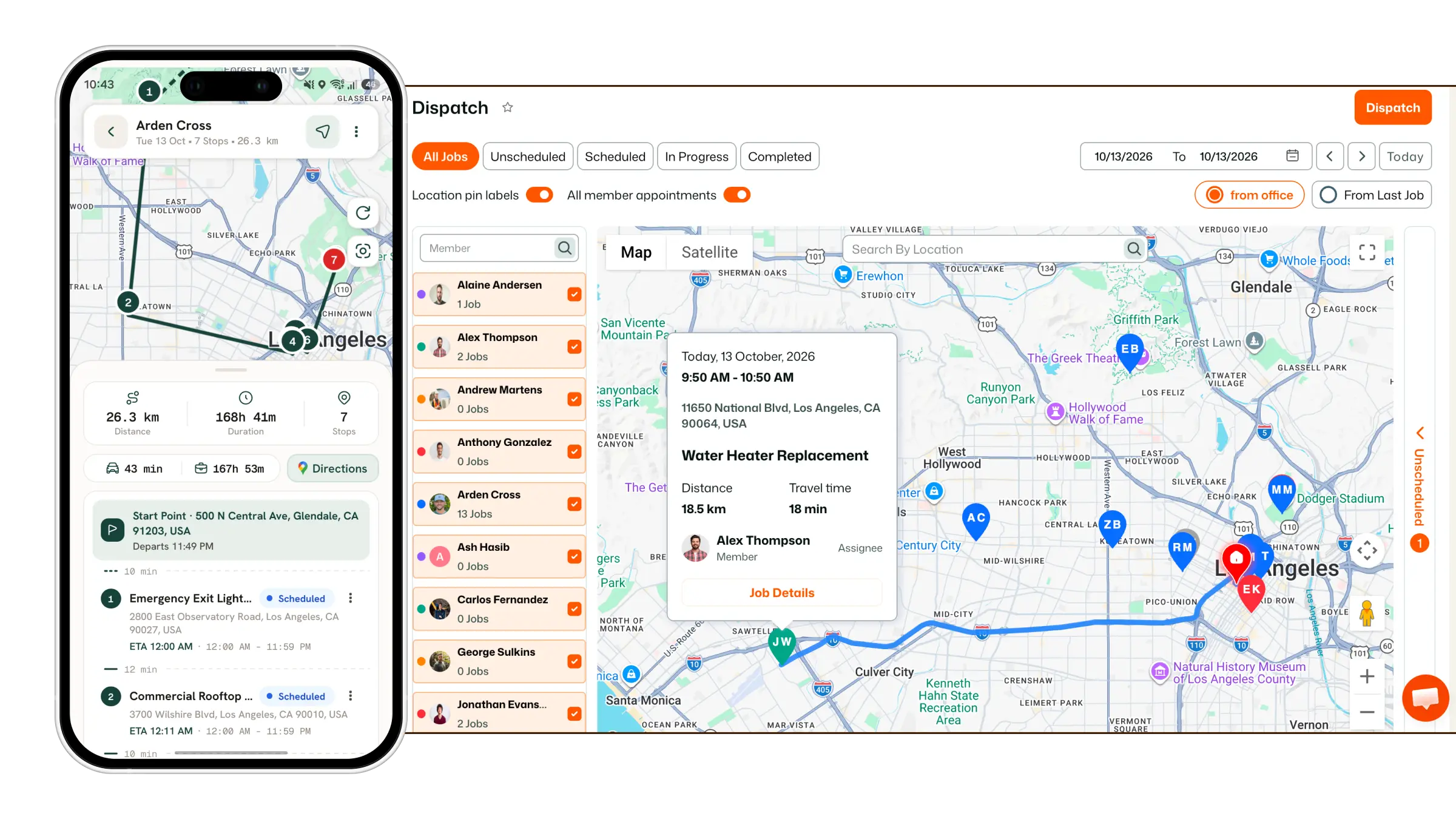
Manage job notifications and daily digest settings to keep your team informed about assigned jobs, upcoming work, and daily job activity.
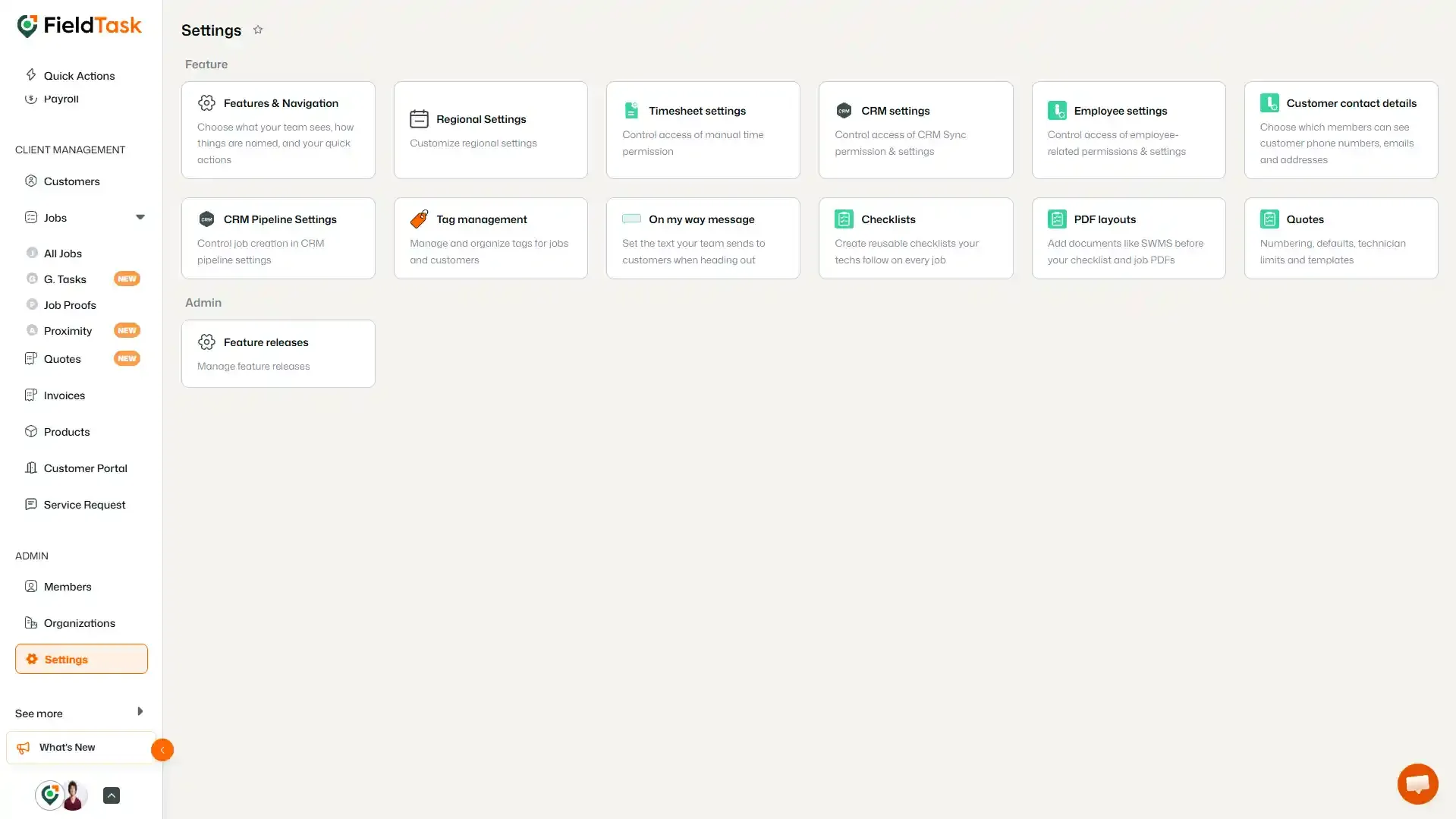
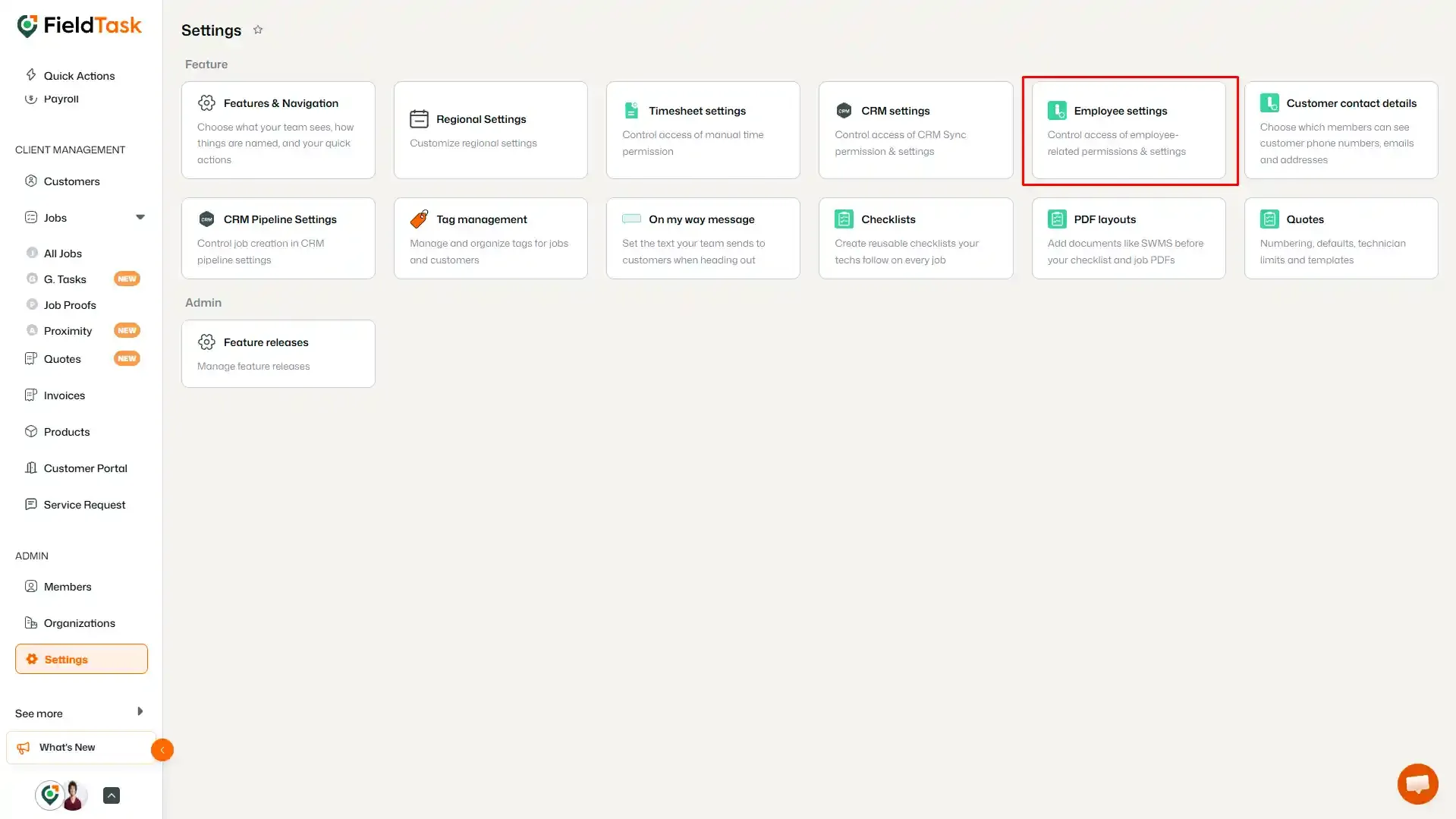
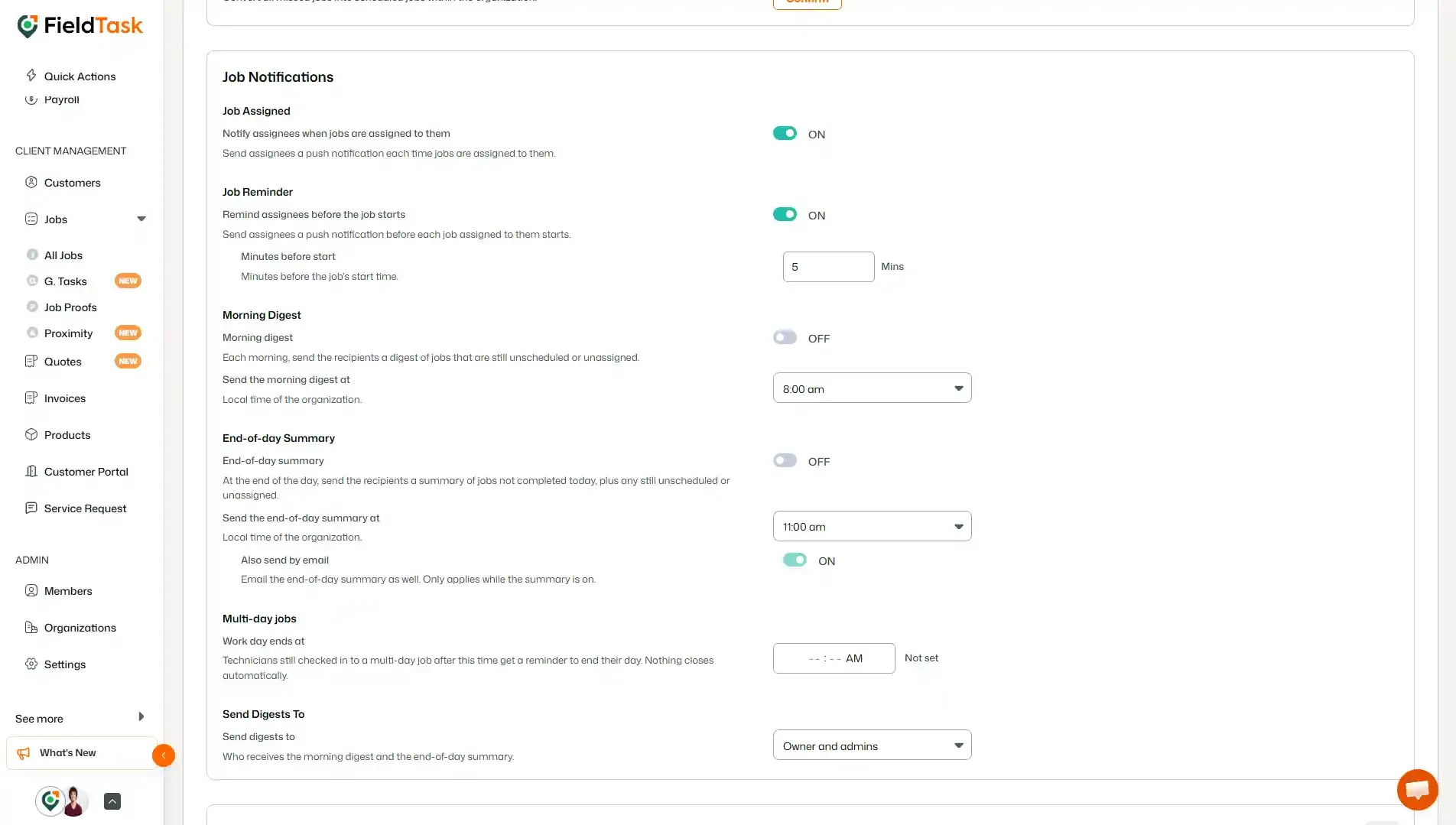
Here you can configure several notification and digest options for your team.
The Job Assigned notification alerts assignees whenever a job is assigned to them.
When this setting is turned ON, assignees receive a push notification each time a job is assigned to them.
You can toggle this setting ON or OFF depending on whether you want assignees to receive assignment notifications.
The Job Reminder setting sends assignees a push notification before an assigned job starts.
When enabled, you can specify how many minutes before the job's start time the reminder should be sent.
For example, you can set the reminder to 5 minutes before the job starts.
Use the toggle to turn job reminders ON or OFF, and adjust the number of minutes as needed.
The Morning Digest provides a daily summary of jobs that are still unscheduled or unassigned.
When enabled, you can choose the time when the morning digest is sent. The time is based on the local time of the organization.
Use the toggle to turn the morning digest ON or OFF and select your preferred delivery time.
The End-of-Day Summary provides a summary at the end of the day showing:
You can enable or disable the summary and choose the time it should be sent based on the organization's local time.
There is also an Also send by email option. When enabled, the end-of-day summary is sent by email as well. This option only applies while the end-of-day summary is enabled.
The Send Digests To setting determines who receives the Morning Digest and End-of-Day Summary.
Use the dropdown to select the appropriate recipients, such as Owner and admins.
These settings give you control over how your team receives job-related updates.
You can:
Configure these options according to how your organization wants to keep team members informed about upcoming and outstanding work.
Manage dispatch, route plan, techs, quotes, invoices, and more in GHL, the only dedicated field service app for HighLevel home service businesses and contractors.
The complete FieldTask sitemap: quick links to all pages.
Learn how FieldTask supports HIPAA compliance for home health and field service teams—encryption, BAAs, access controls, and audit logging.