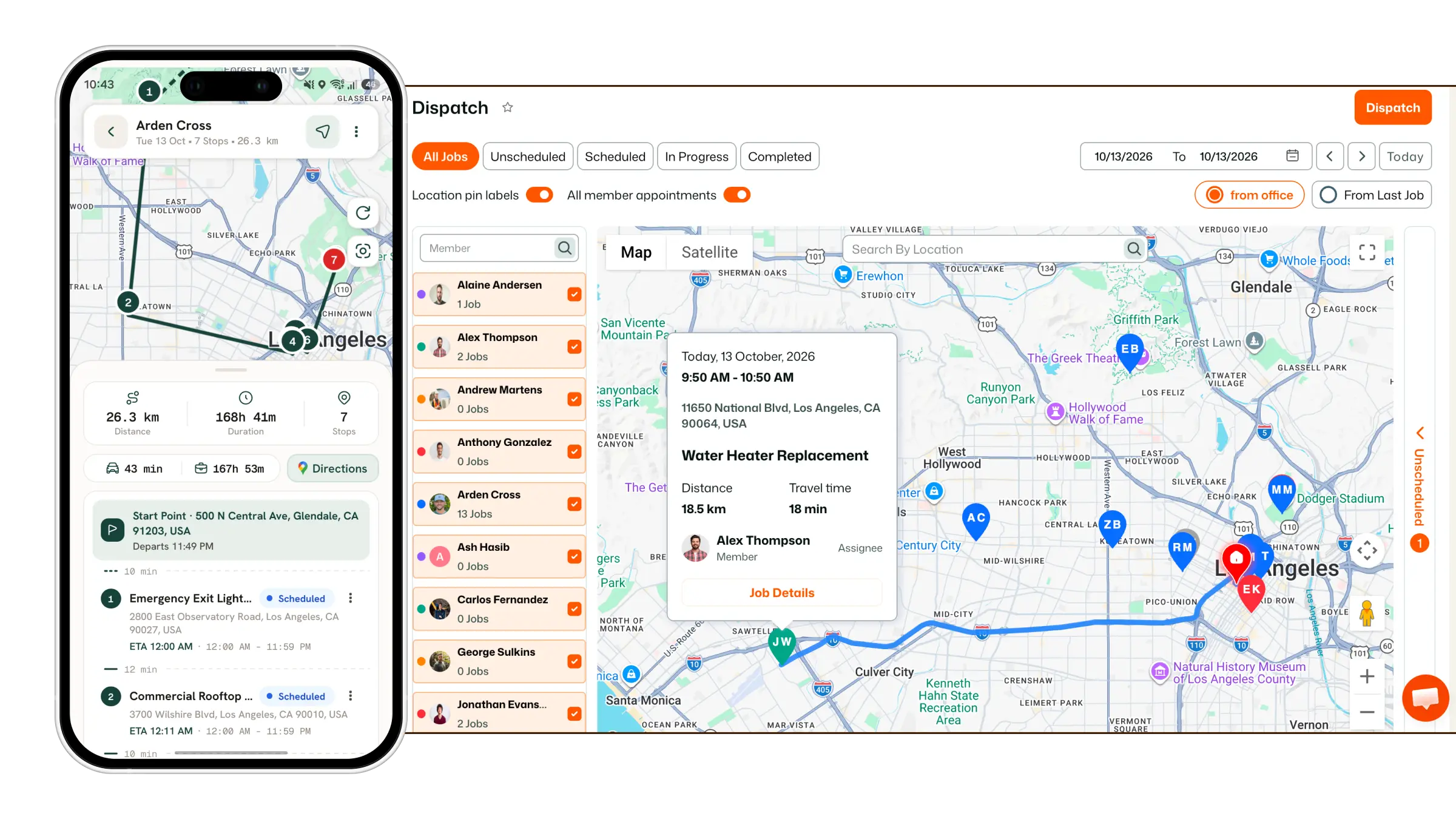
The HighLevel Home Service Business Management Software
Manage dispatch, route plan, techs, quotes, invoices, and more in GHL, the only dedicated field service app for HighLevel home service businesses and contractors.
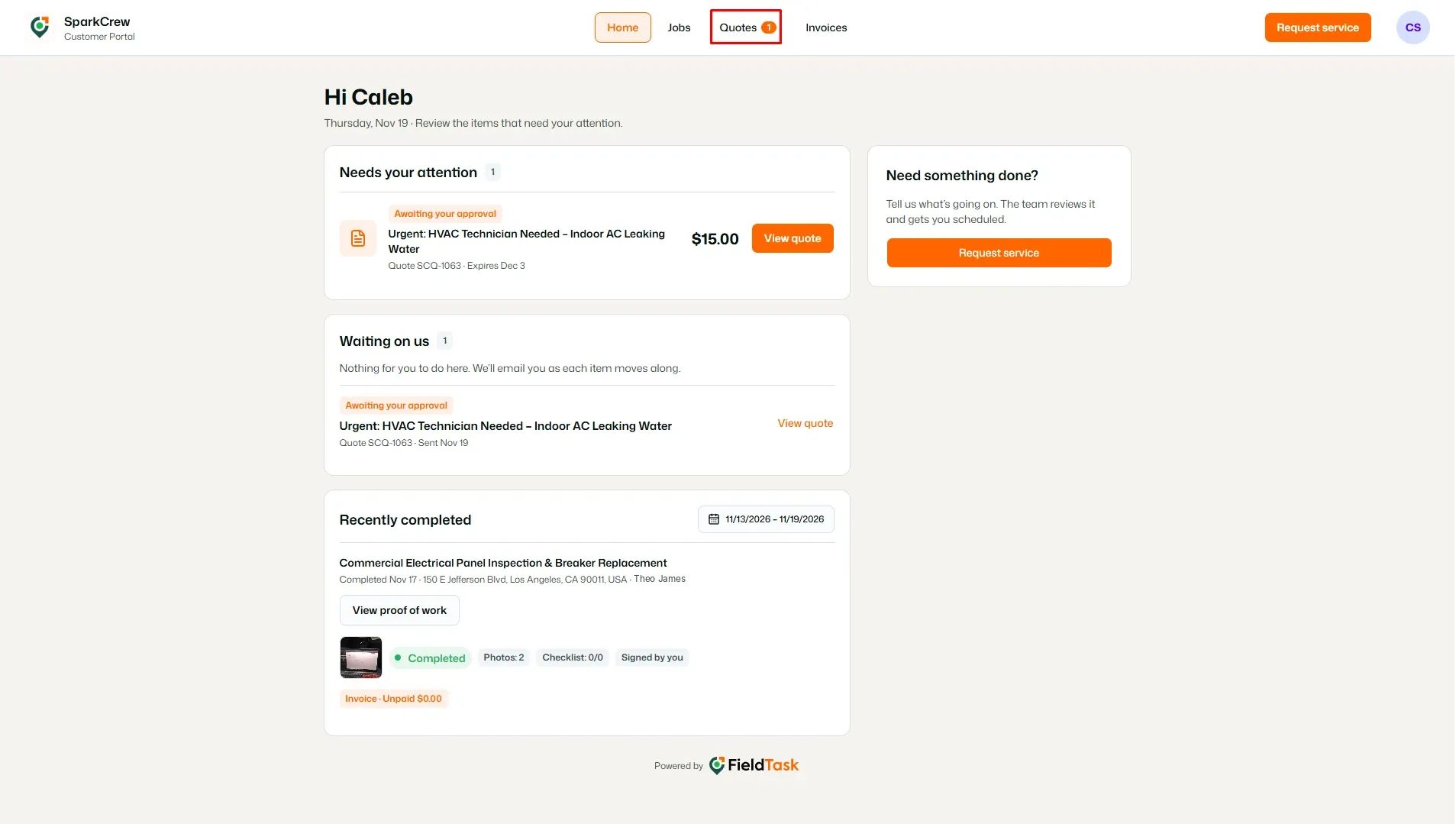
Learn how to access and review quotes from the Customer Portal.
From the Customer Portal, click Quotes in the top navigation bar.
This opens the Quotes page, where you can view quotes that are awaiting your approval and quotes that have already been approved.
The Quotes page provides an overview of your quotes, including:
You can use the tabs below the summary to switch between Needs approval and Approved quotes.
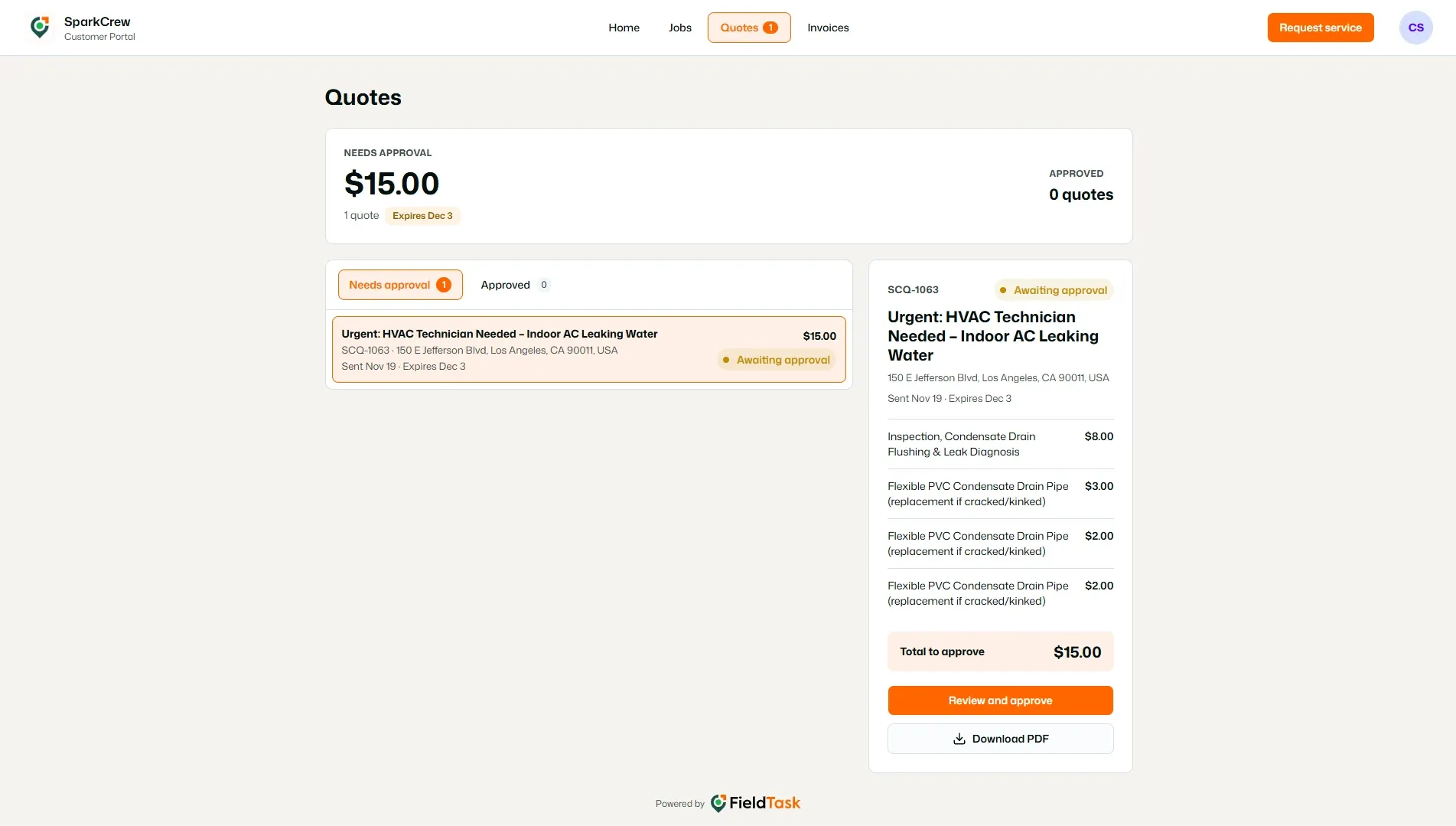
Select a quote from the list to view its details.
The quote details are displayed in the panel on the right, allowing you to review the information associated with the selected quote.
Manage dispatch, route plan, techs, quotes, invoices, and more in GHL, the only dedicated field service app for HighLevel home service businesses and contractors.
The complete FieldTask sitemap: quick links to all pages.
Learn how FieldTask supports HIPAA compliance for home health and field service teams—encryption, BAAs, access controls, and audit logging.