The HighLevel Home Service Business Management Software
Manage dispatch, route plan, techs, quotes, invoices, and more in GHL, the only dedicated field service app for HighLevel home service businesses and contractors.
No image available
Learn how to use the Date Picker to view jobs assigned for a specific date or date range.
To view jobs by date from the FieldTask Mobile App:
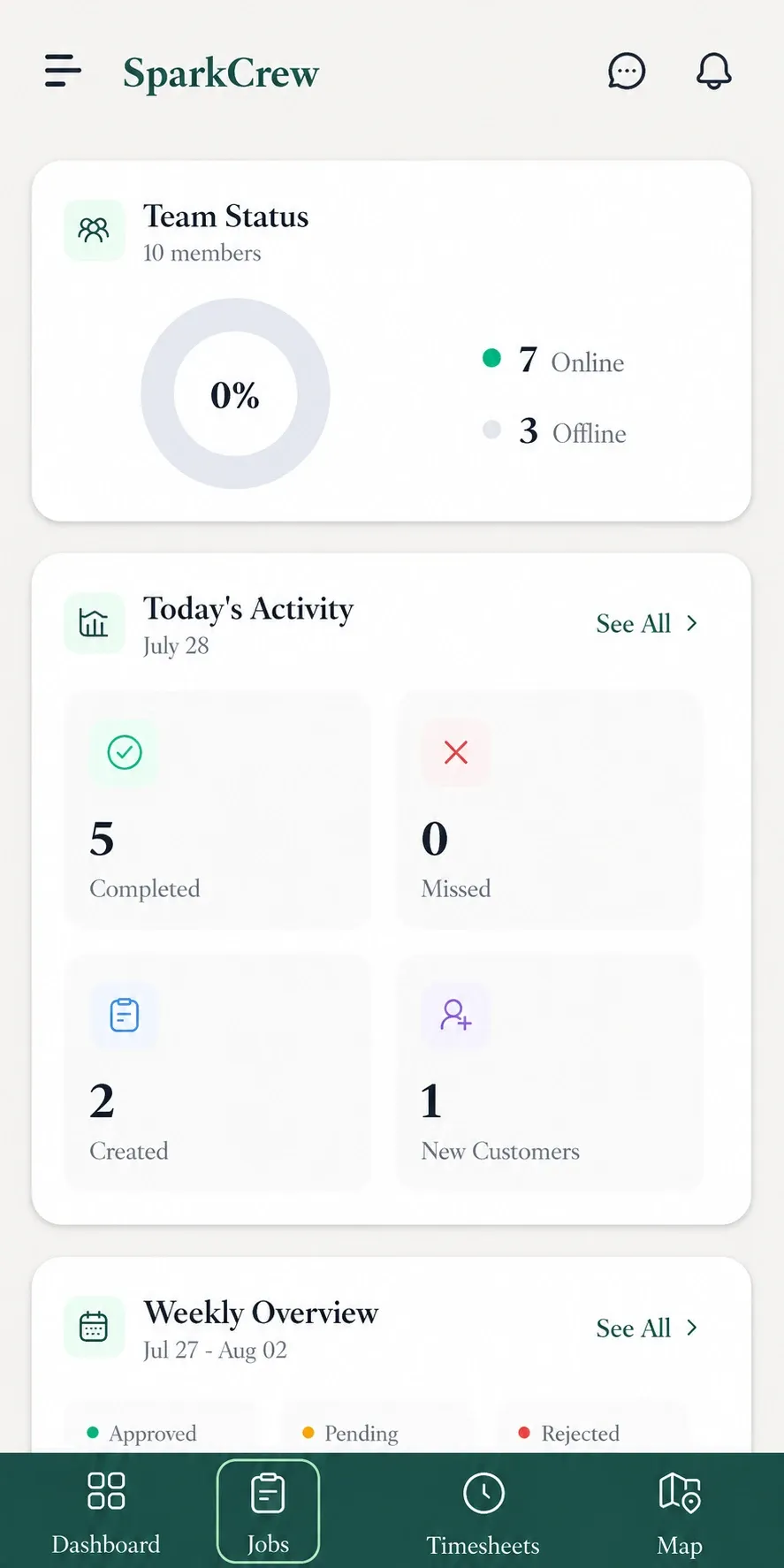
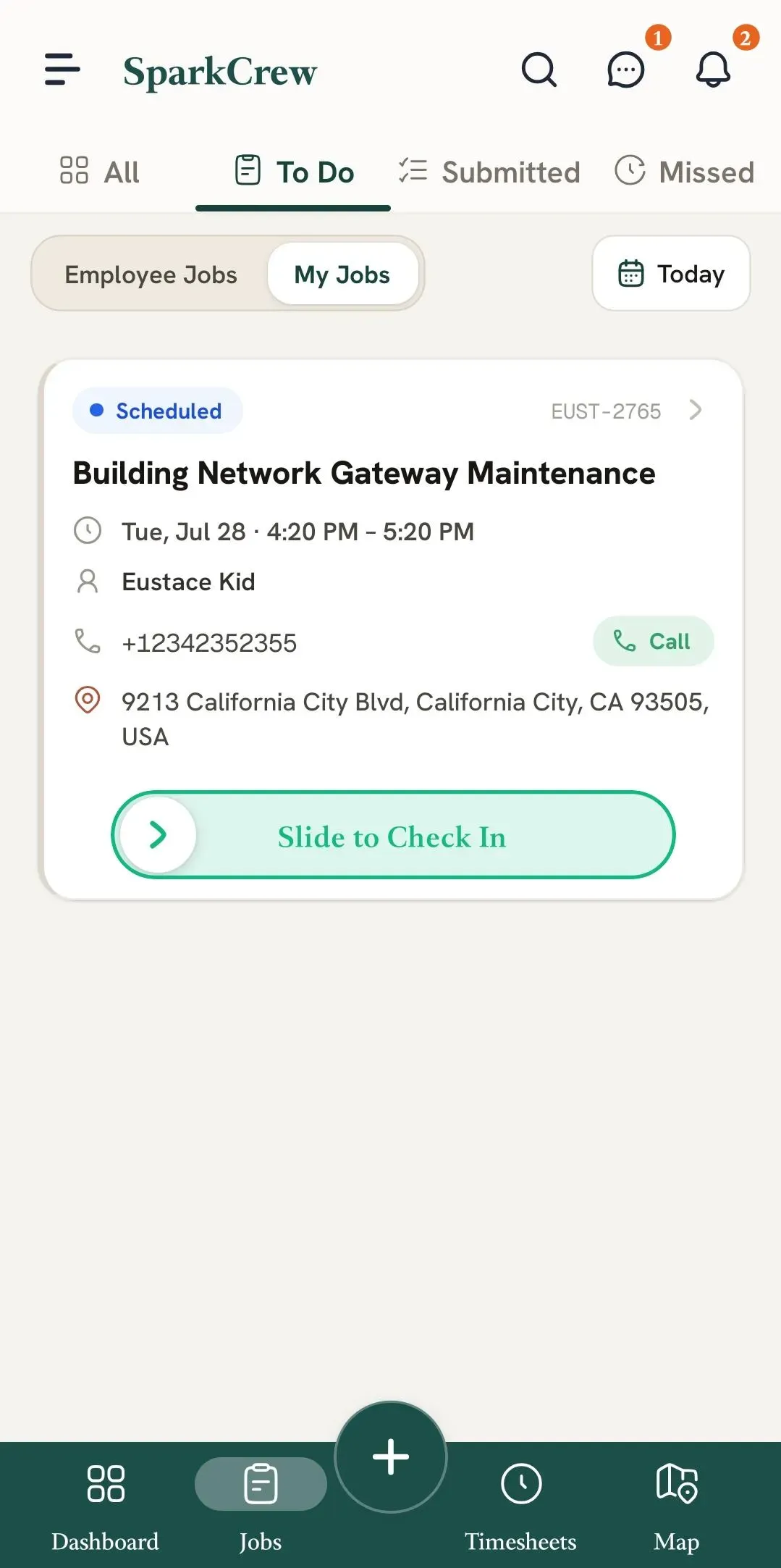
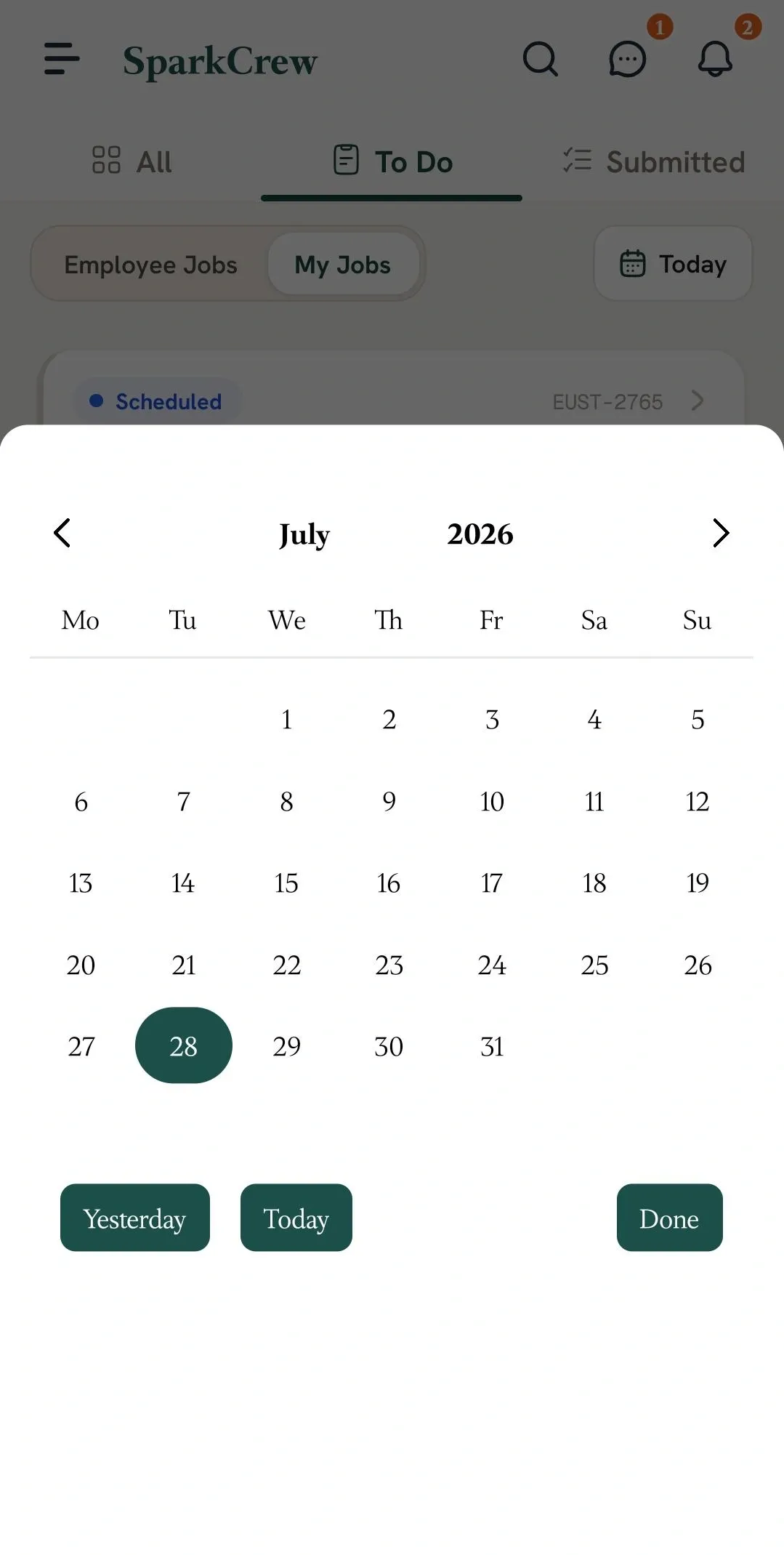
You can choose between:
The Date Picker allows you to view jobs from past, present, and future dates, making it easier to check your job schedule across different days.
Manage dispatch, route plan, techs, quotes, invoices, and more in GHL, the only dedicated field service app for HighLevel home service businesses and contractors.
The complete FieldTask sitemap: quick links to all pages.
Learn how FieldTask supports HIPAA compliance for home health and field service teams—encryption, BAAs, access controls, and audit logging.