The HighLevel Home Service Business Management Software
Manage dispatch, route plan, techs, quotes, invoices, and more in GHL, the only dedicated field service app for HighLevel home service businesses and contractors.
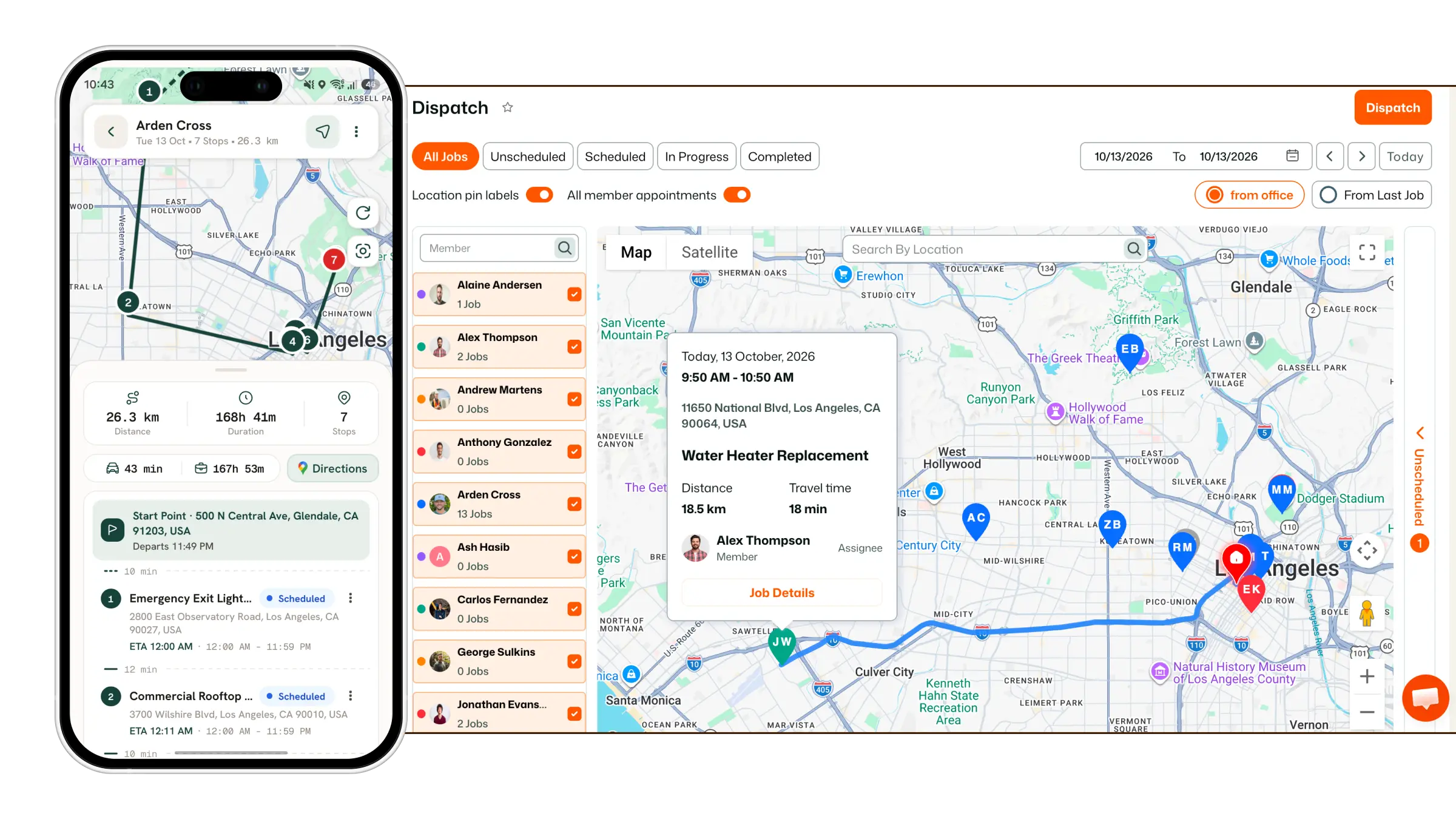
Learn how to update job details directly from the FieldTask Mobile App.
FieldTask allows you to edit jobs from the Mobile App. The editing process uses the same sections available when creating a job from the app.
To edit a job:
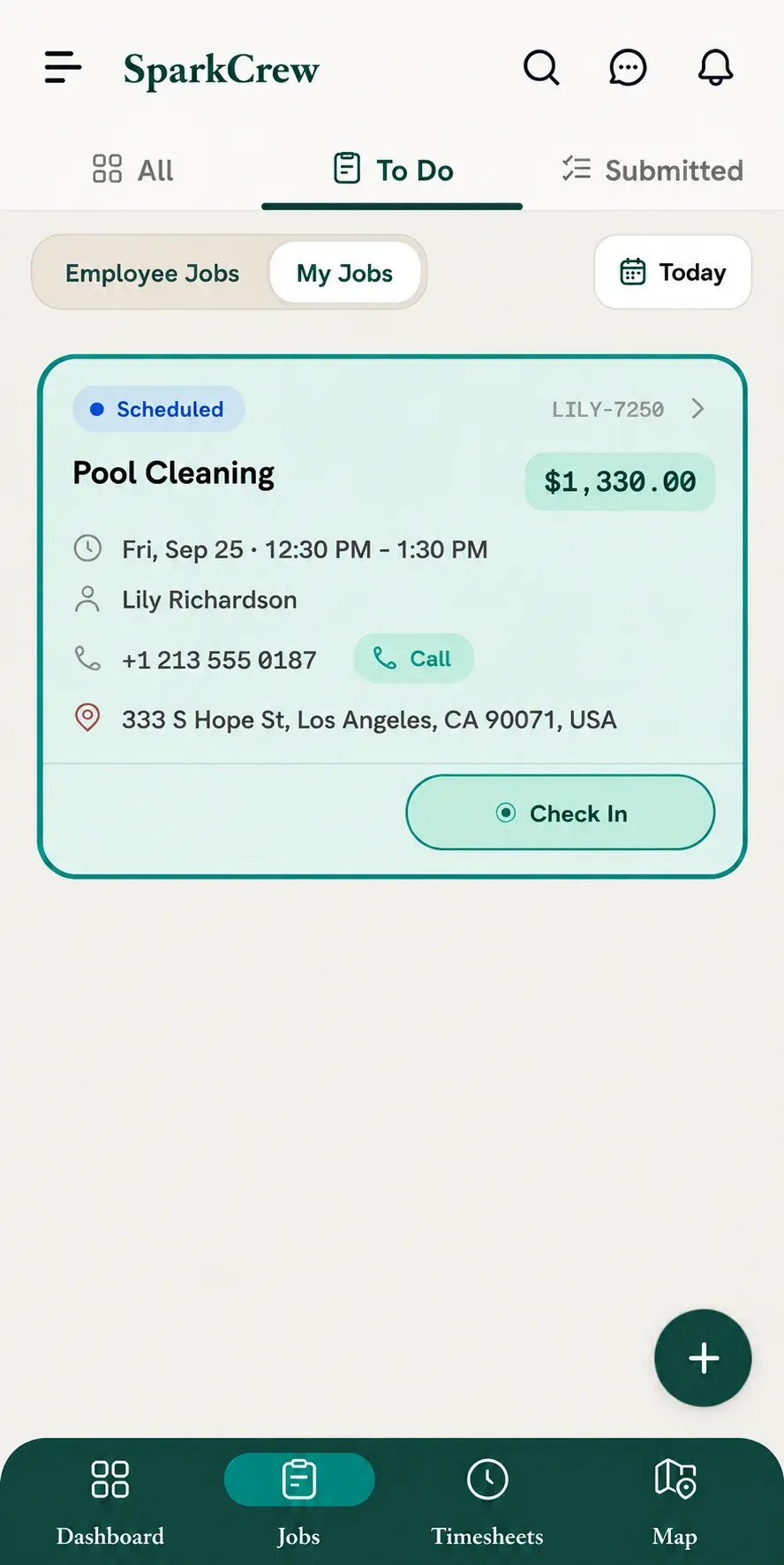
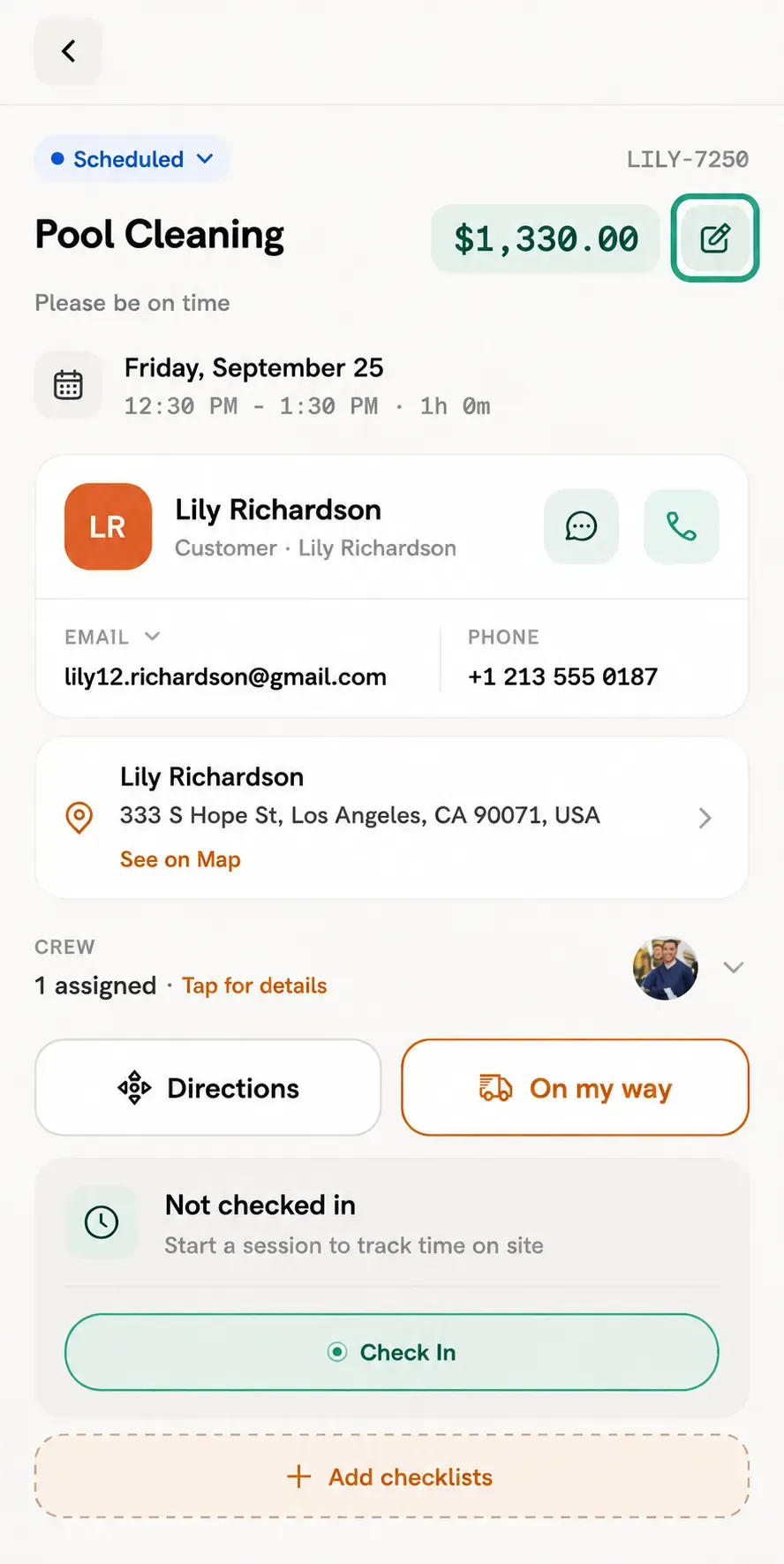
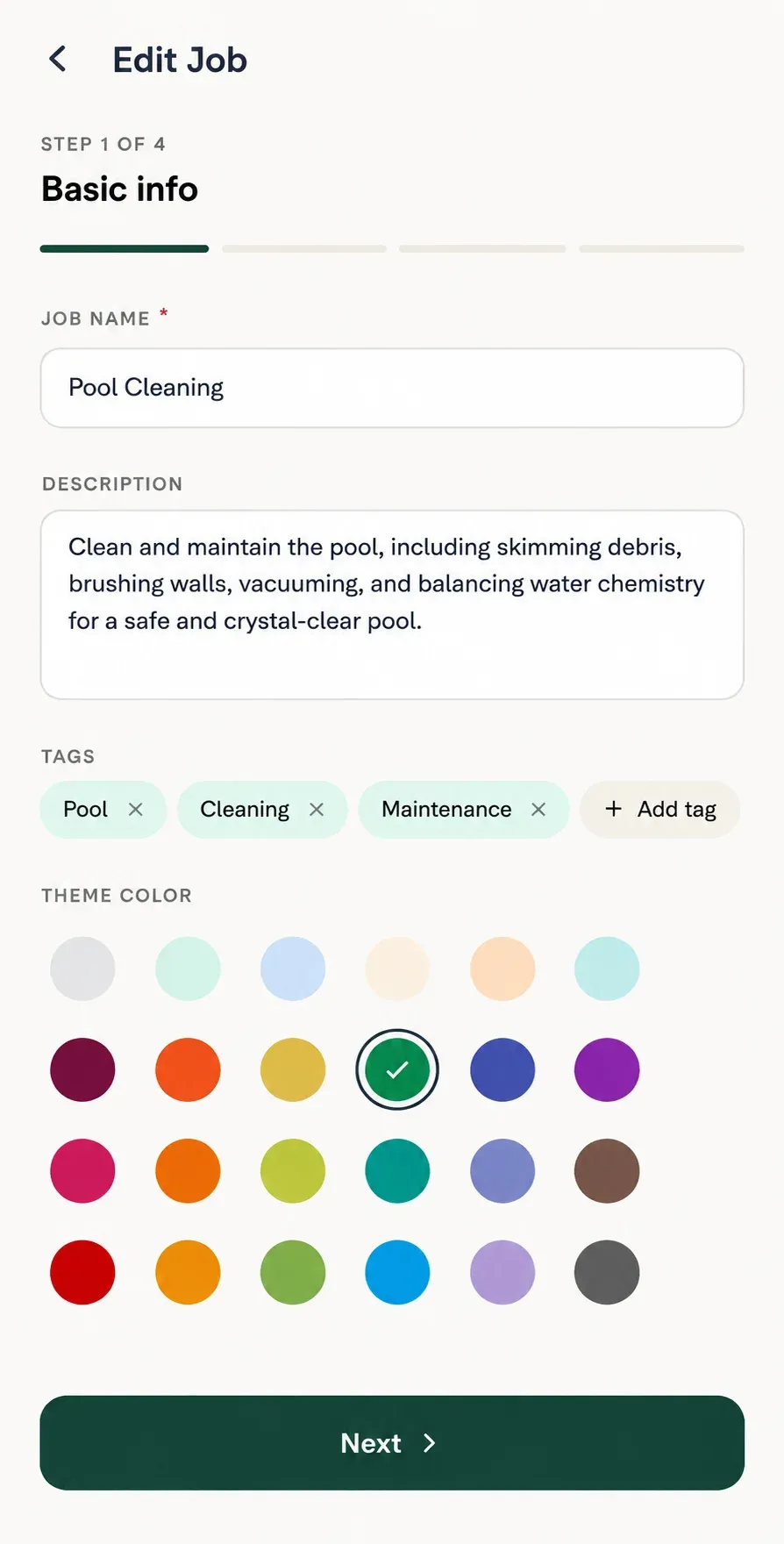
The Job Edit module will open, showing the same sections available during job creation.
The Basic Info section allows you to edit:
The Customer section allows you to edit:
You can also add a new customer location from this section.
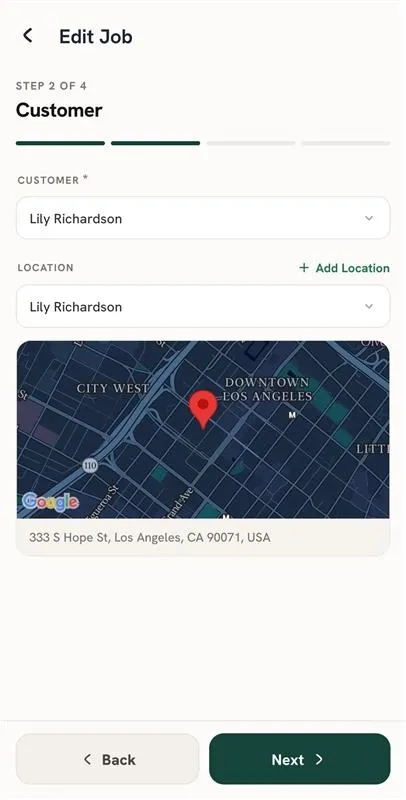
The Schedule section allows you to edit:
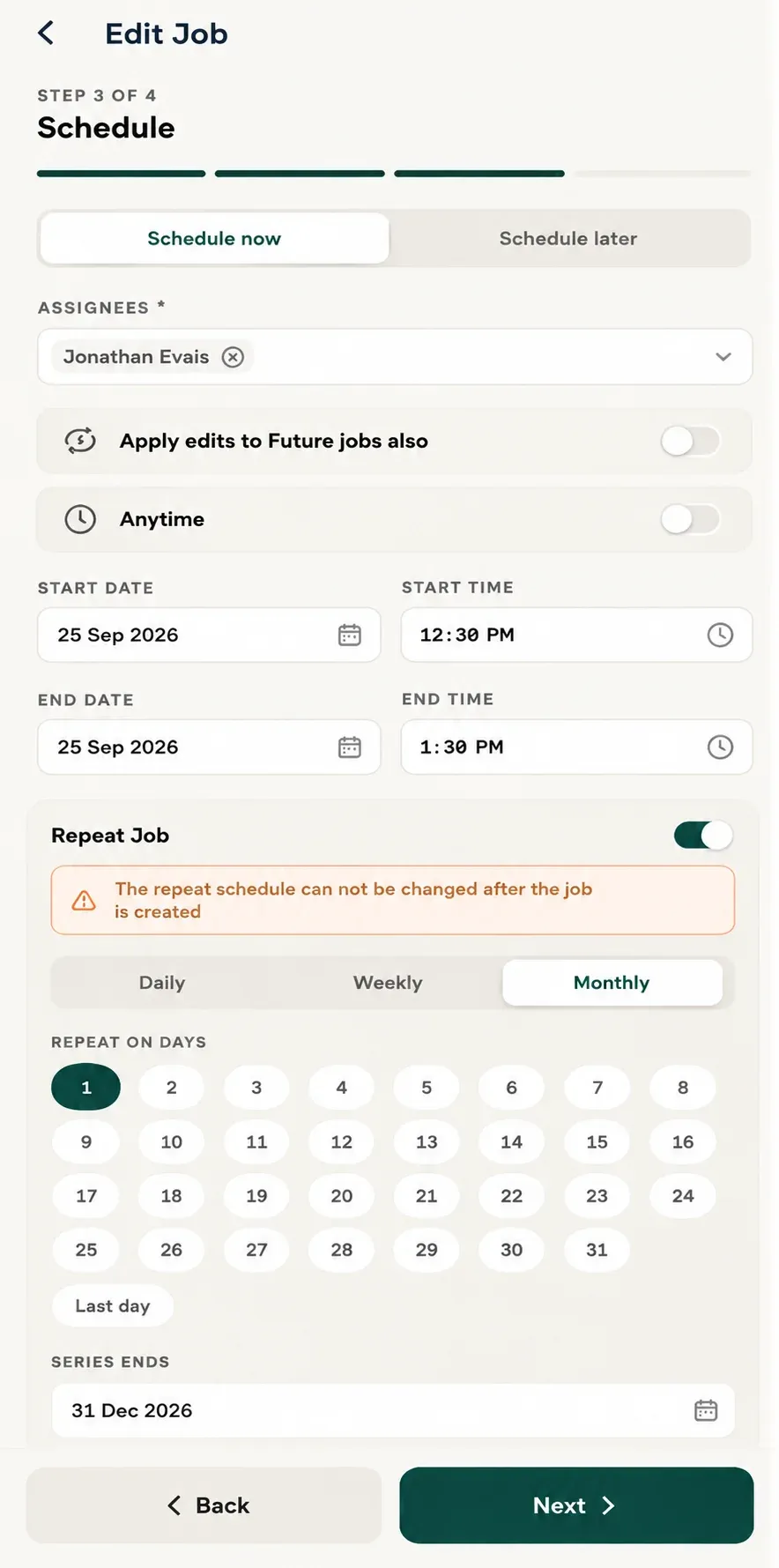
📌 Note: For recurring jobs, the recurrence pattern itself cannot be edited.
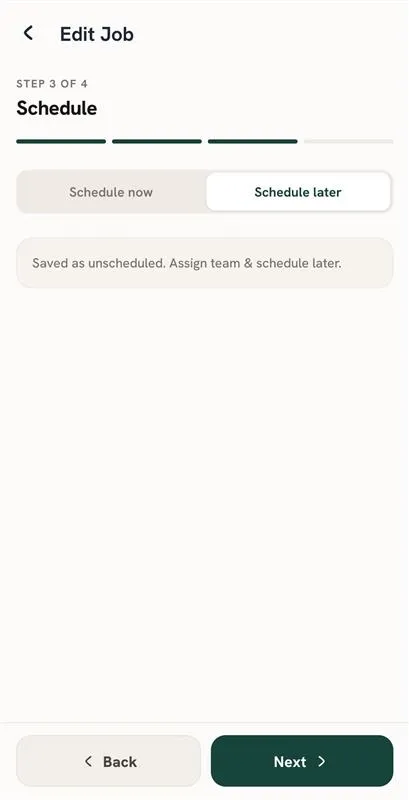
You also have the option to unschedule the job if you do not want it assigned to a specific date.
The Items section allows you to:
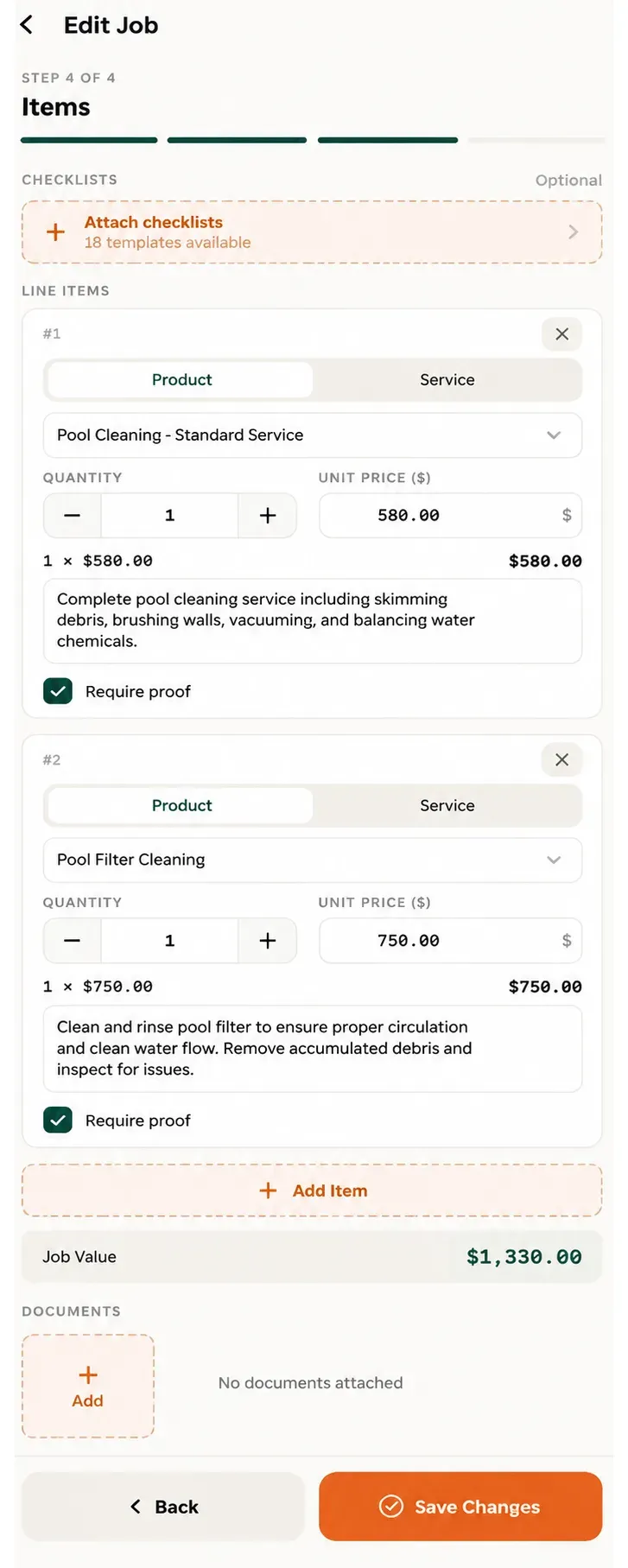
After making the required changes, save the job to update the information.
Manage dispatch, route plan, techs, quotes, invoices, and more in GHL, the only dedicated field service app for HighLevel home service businesses and contractors.
The complete FieldTask sitemap: quick links to all pages.
Learn how FieldTask supports HIPAA compliance for home health and field service teams—encryption, BAAs, access controls, and audit logging.