The HighLevel Home Service Business Management Software
Manage dispatch, route plan, techs, quotes, invoices, and more in GHL, the only dedicated field service app for HighLevel home service businesses and contractors.
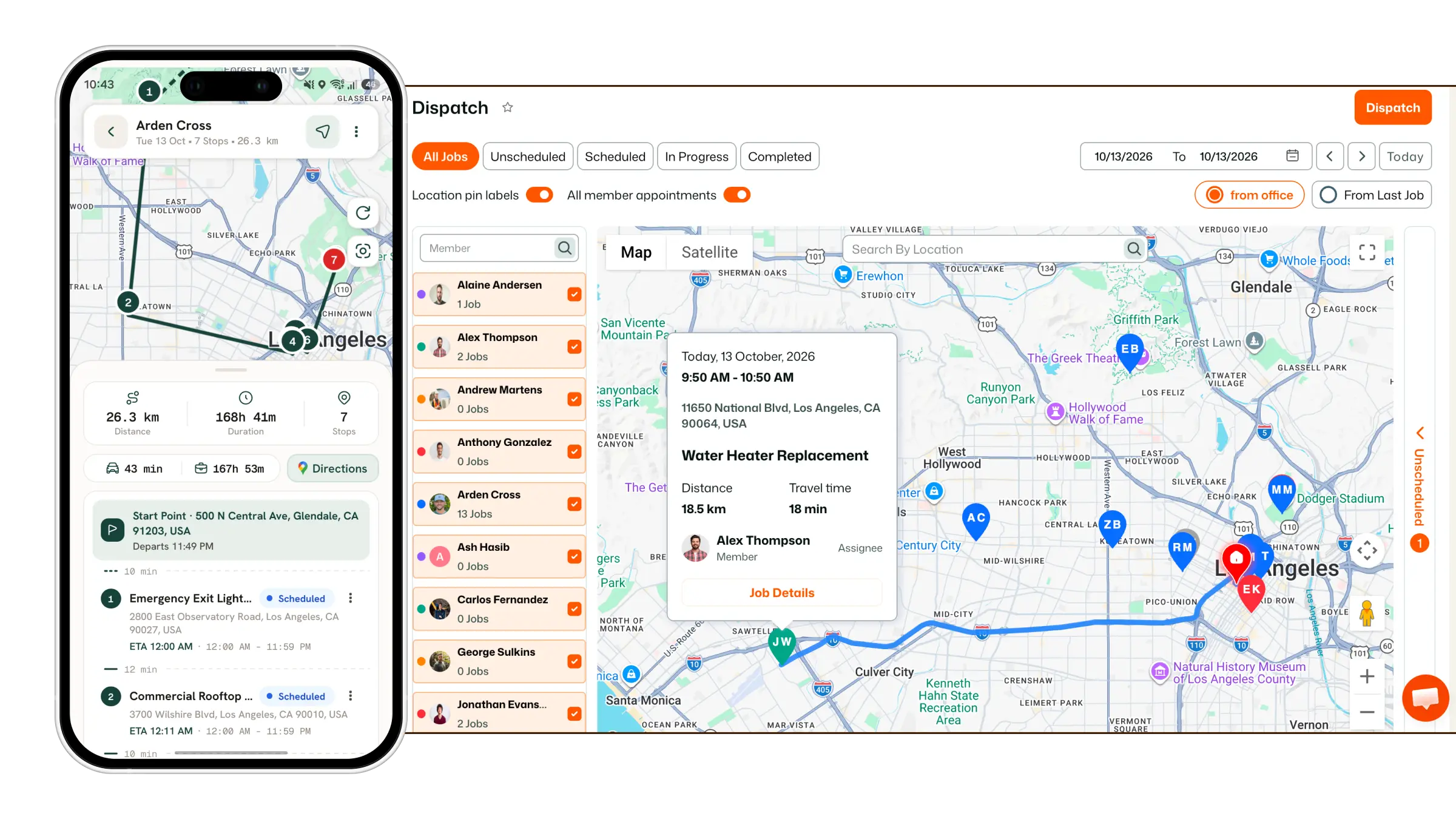
Learn how to revoke a customer's access to the Customer Portal.
From the left sidebar, navigate to Customer Portal.
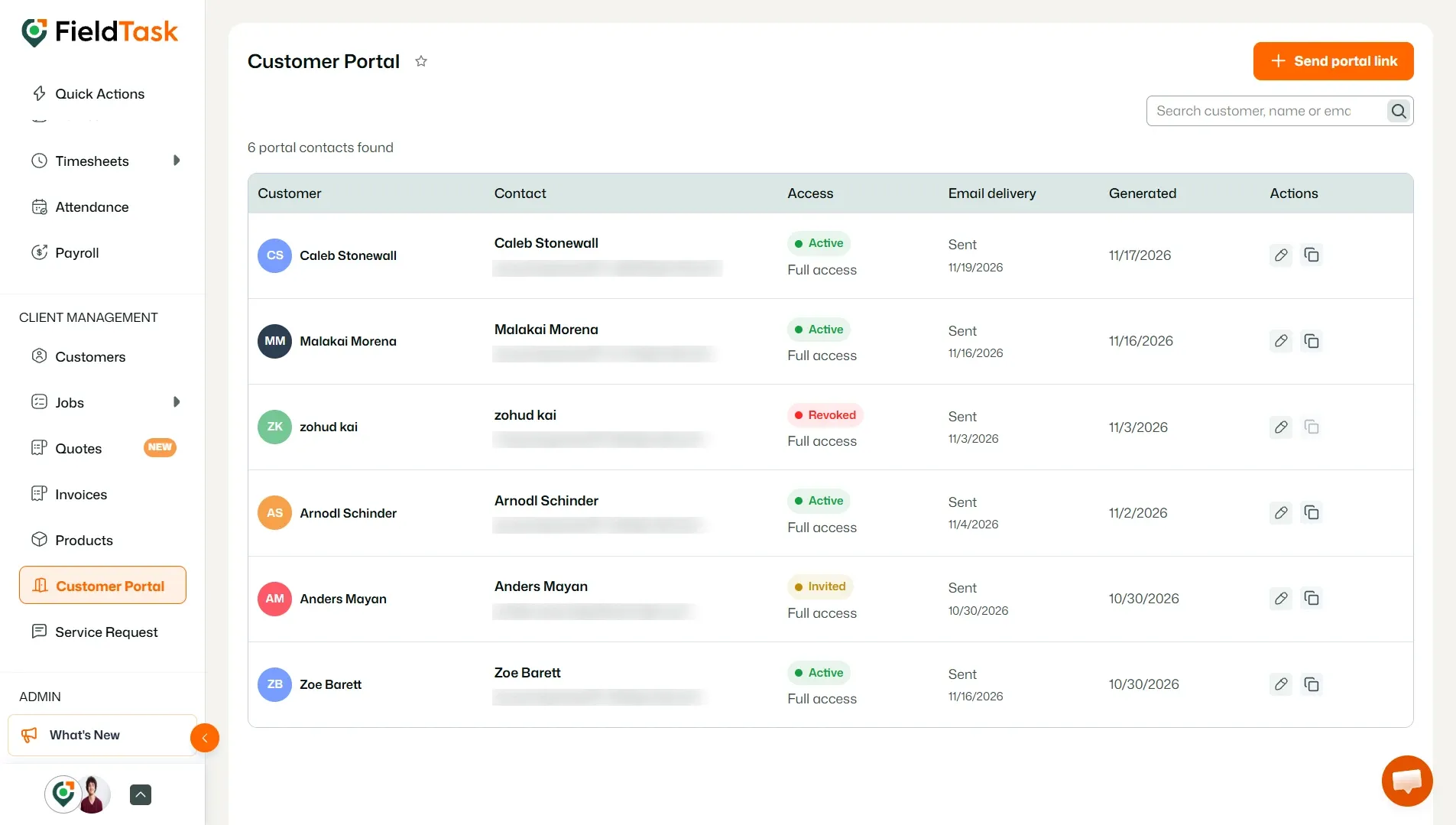
The Customer Portal page displays the customers who have been invited to access the portal, along with their access status and available actions.
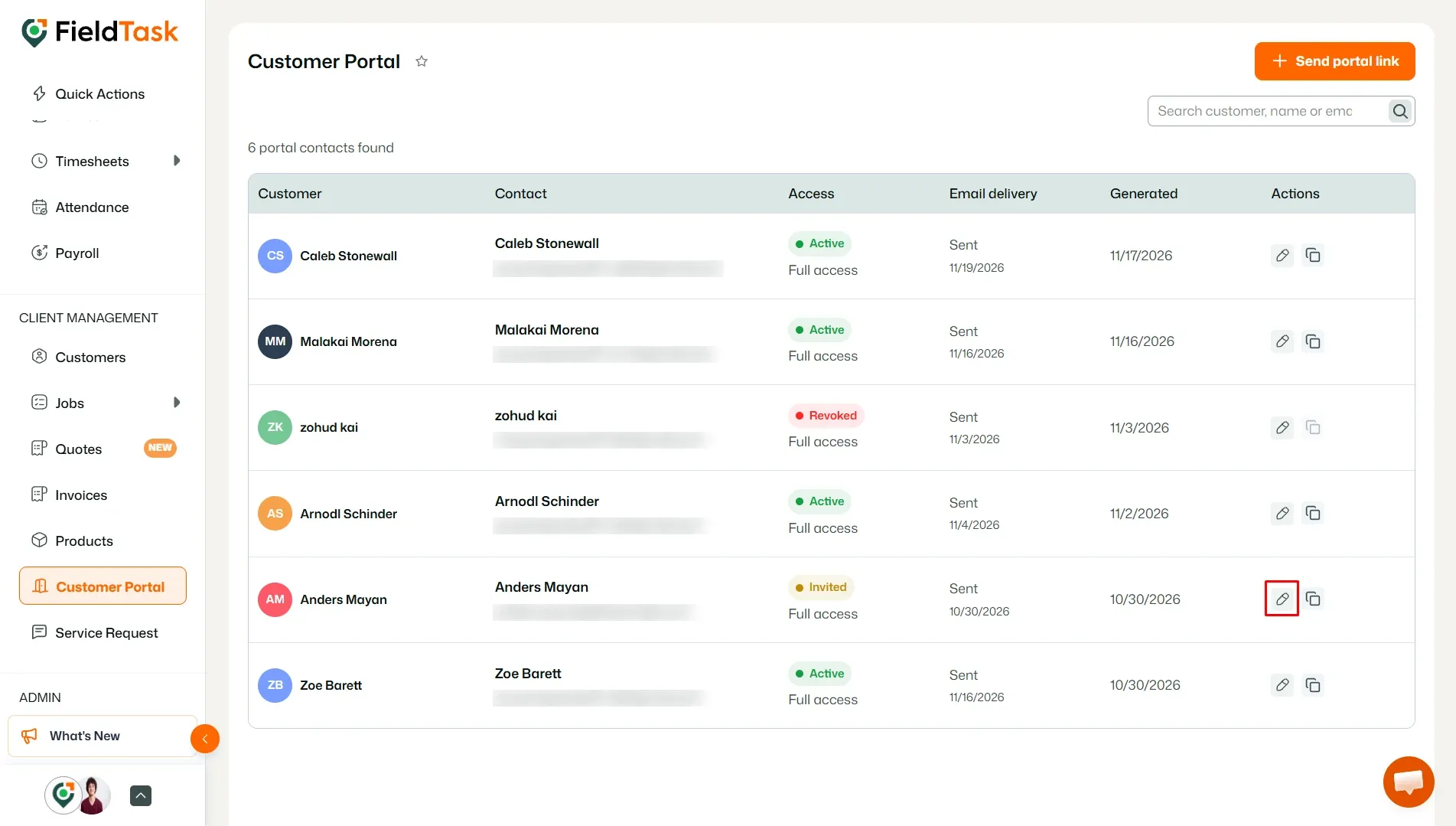
Find the customer whose portal access you want to revoke and click the Edit option under the Actions column.
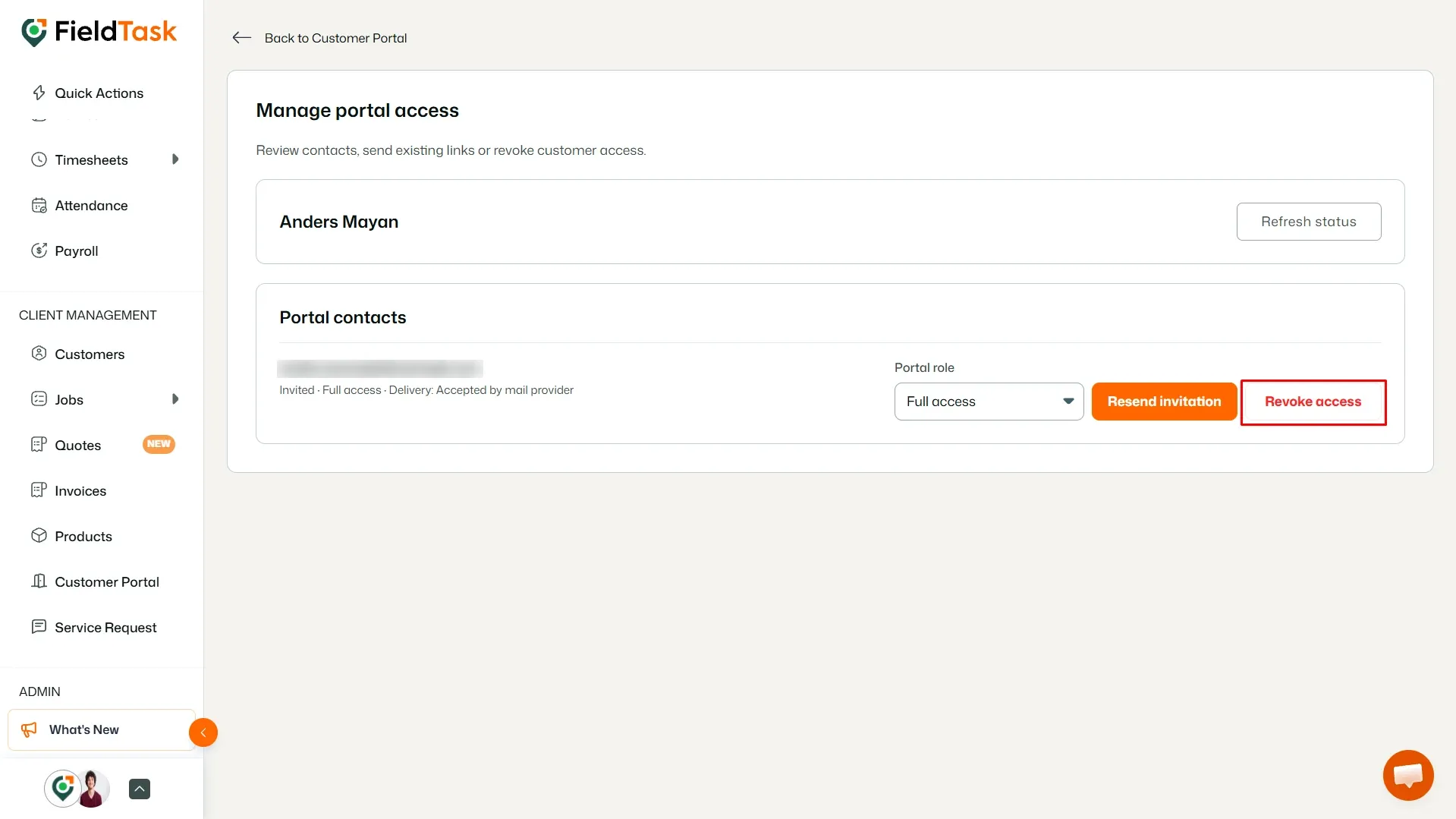
This opens the Manage portal access page for that customer.
On the Manage portal access page, review the customer's portal contact and access information.
Click Revoke access to remove the customer's access to the Customer Portal.
Once access is revoked, the customer will no longer be able to use their portal access.
Manage dispatch, route plan, techs, quotes, invoices, and more in GHL, the only dedicated field service app for HighLevel home service businesses and contractors.
The complete FieldTask sitemap: quick links to all pages.
Learn how FieldTask supports HIPAA compliance for home health and field service teams—encryption, BAAs, access controls, and audit logging.