The HighLevel Home Service Business Management Software
Manage dispatch, route plan, techs, quotes, invoices, and more in GHL, the only dedicated field service app for HighLevel home service businesses and contractors.
No image available
Learn how to add services or products as Line Items when creating a job from the FieldTask Mobile App.
Line Items allow you to add specific services or products to a job. You can define what needs to be completed, set quantities and prices, and choose whether Job Proof is required before a Line Item can be marked as complete.
To add Line Items, you must first create a job from the FieldTask Mobile App.
To add a Line Item to a job:
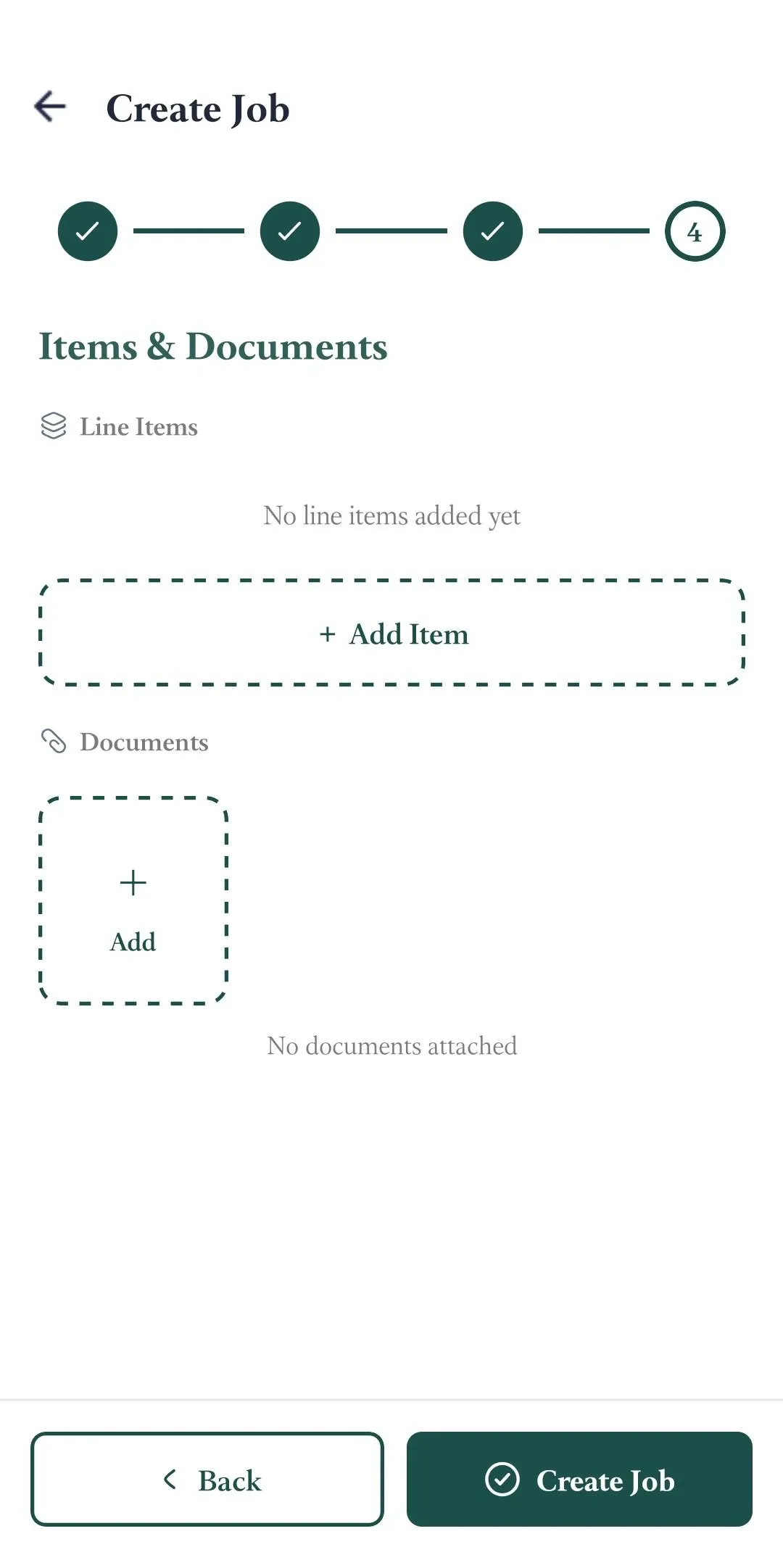
The Line Item Form will appear.
Enter the following information:
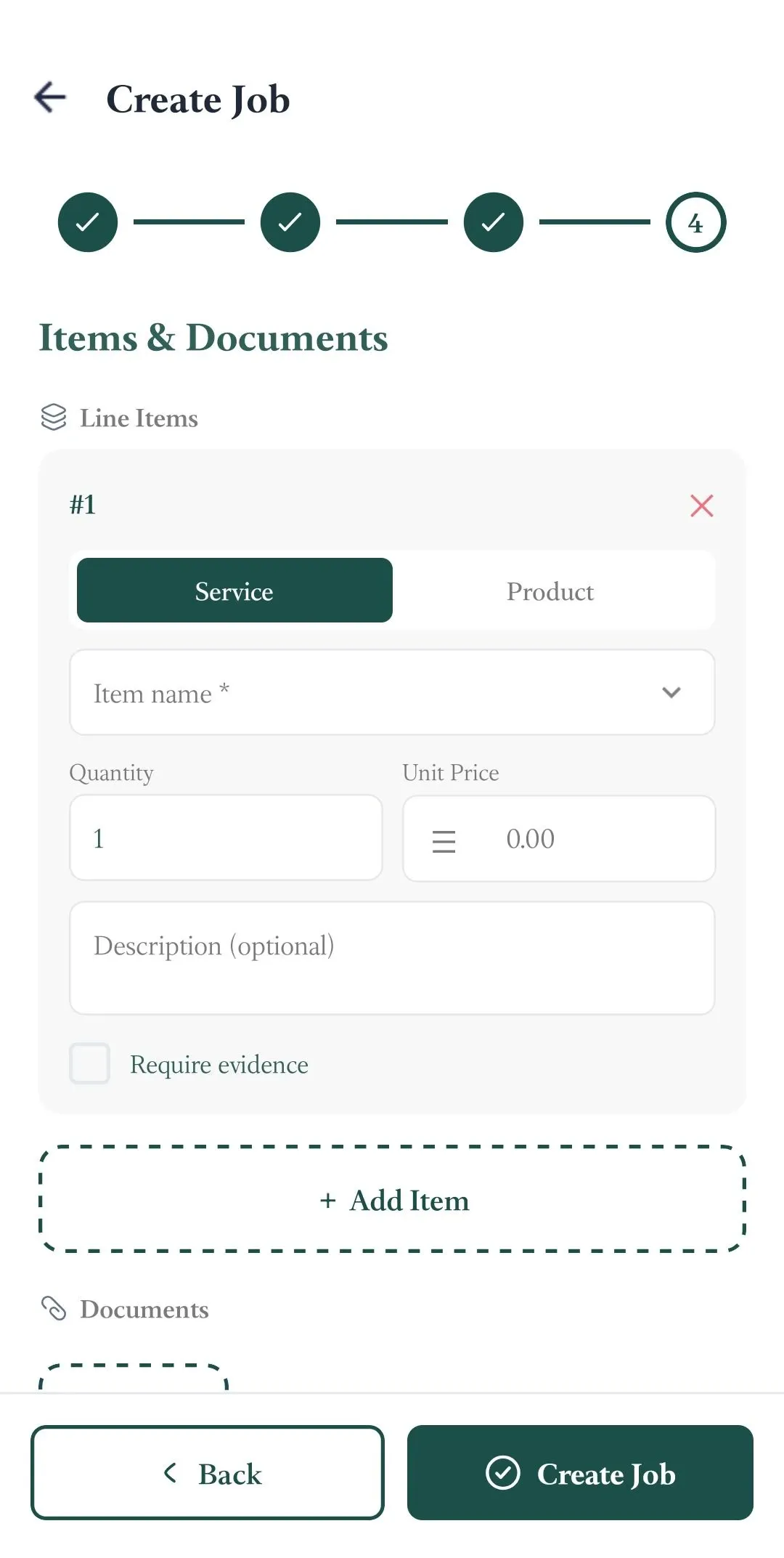
You can add multiple Line Items to a single job.
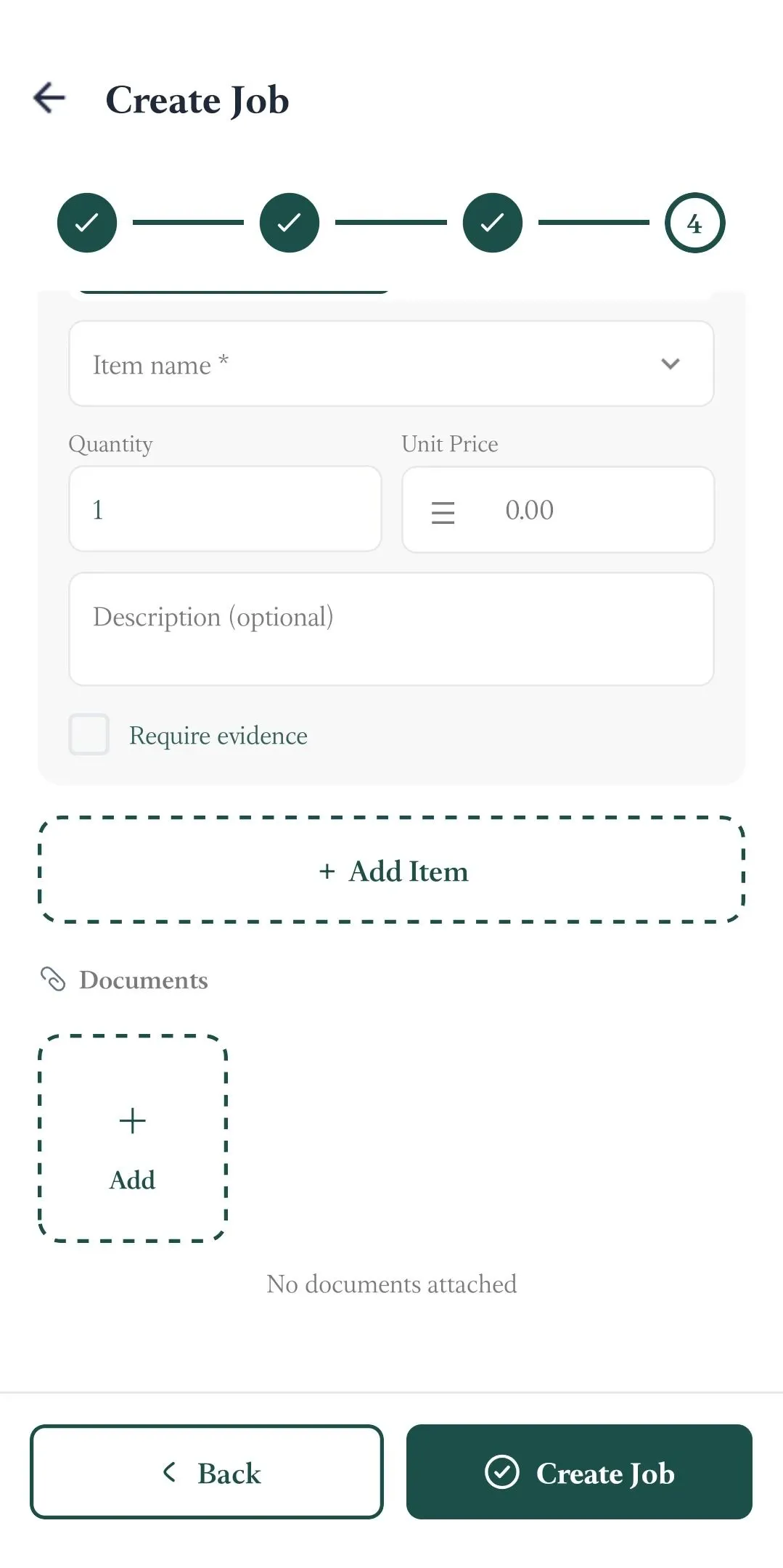
After creating a Line Item, tap Add Item below the most recently added Line Item to add another one.
Manage dispatch, route plan, techs, quotes, invoices, and more in GHL, the only dedicated field service app for HighLevel home service businesses and contractors.
The complete FieldTask sitemap: quick links to all pages.
Learn how FieldTask supports HIPAA compliance for home health and field service teams—encryption, BAAs, access controls, and audit logging.