The HighLevel Home Service Business Management Software
Manage dispatch, route plan, techs, quotes, invoices, and more in GHL, the only dedicated field service app for HighLevel home service businesses and contractors.
No image available
Learn how to update job details from the Scheduling page, Job Details page, All Jobs page, or Mobile App.
FieldTask lets you edit a job in multiple ways. You can edit a job from:
To edit a job from Scheduling:
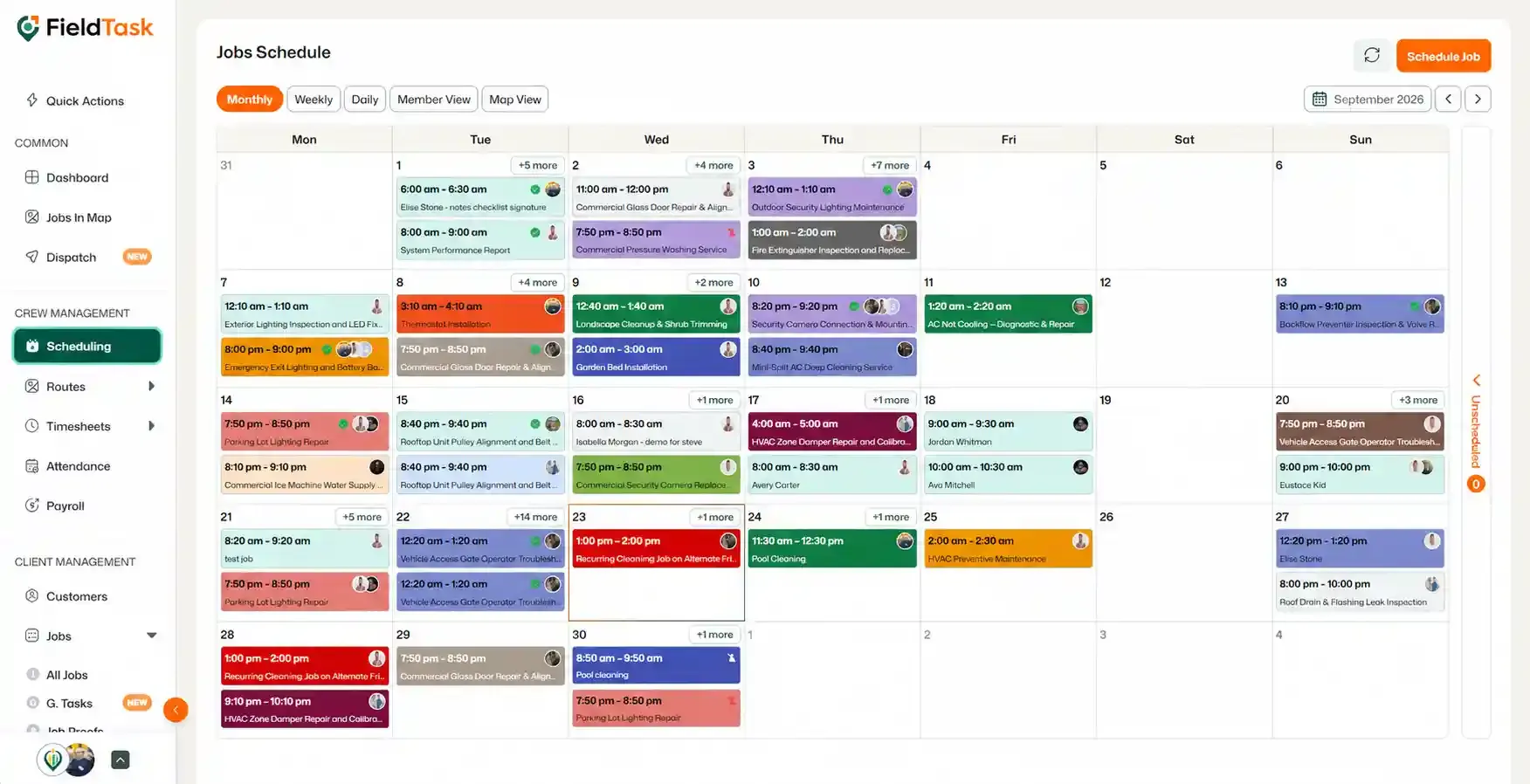
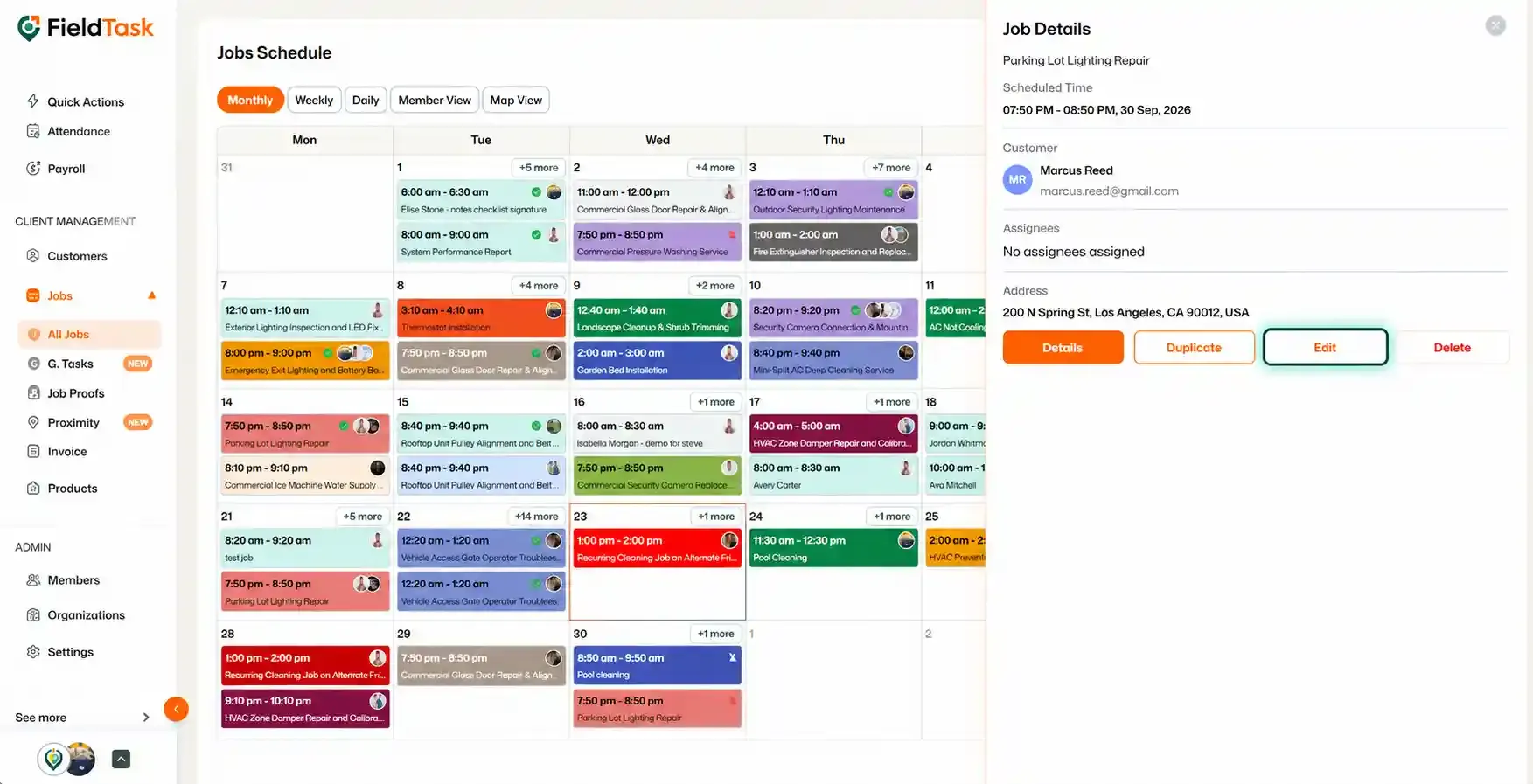
The job details will become editable in the side panel.
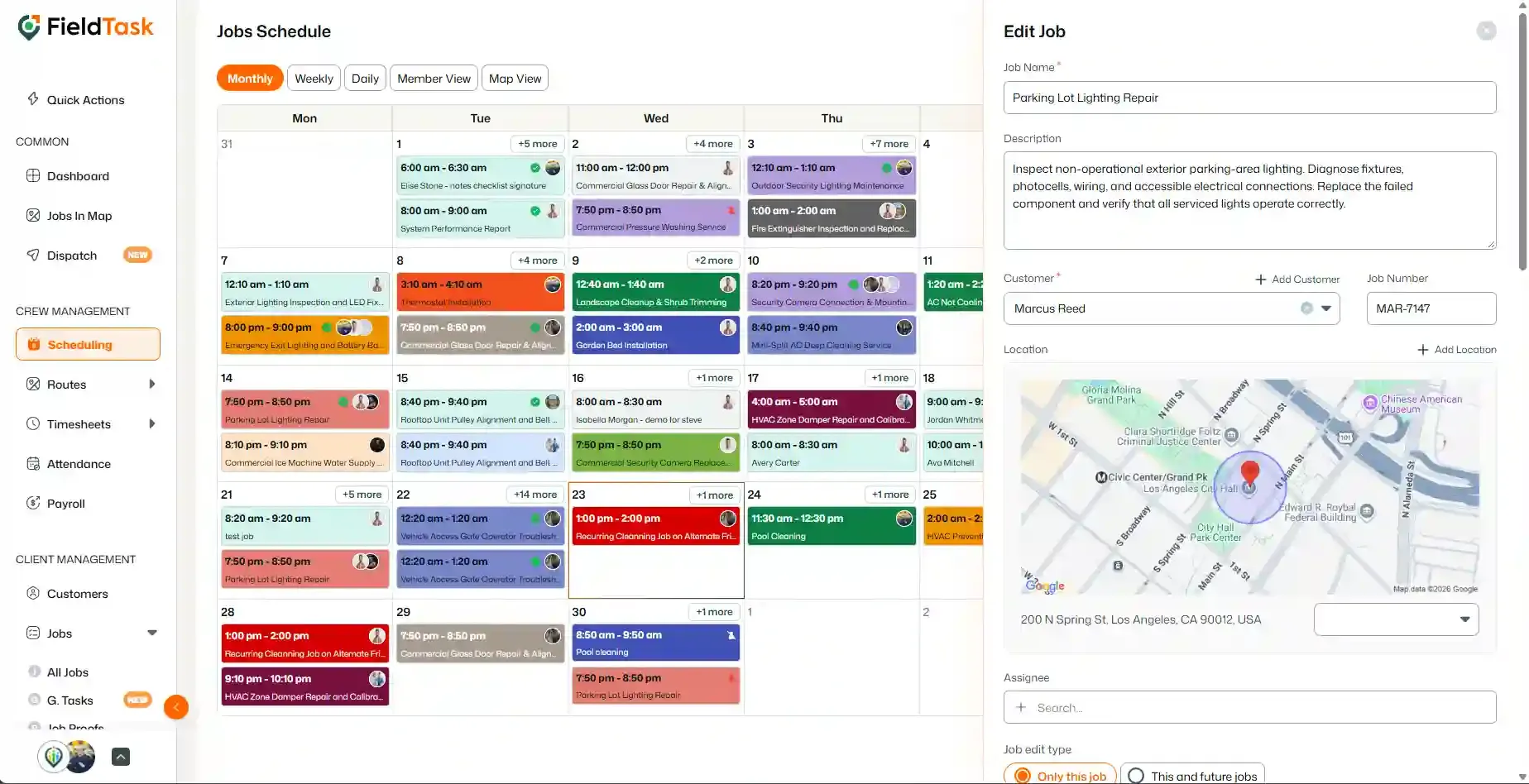
You can edit:
Once you have made your changes, click Save.
You can access the Job Details page from several places.
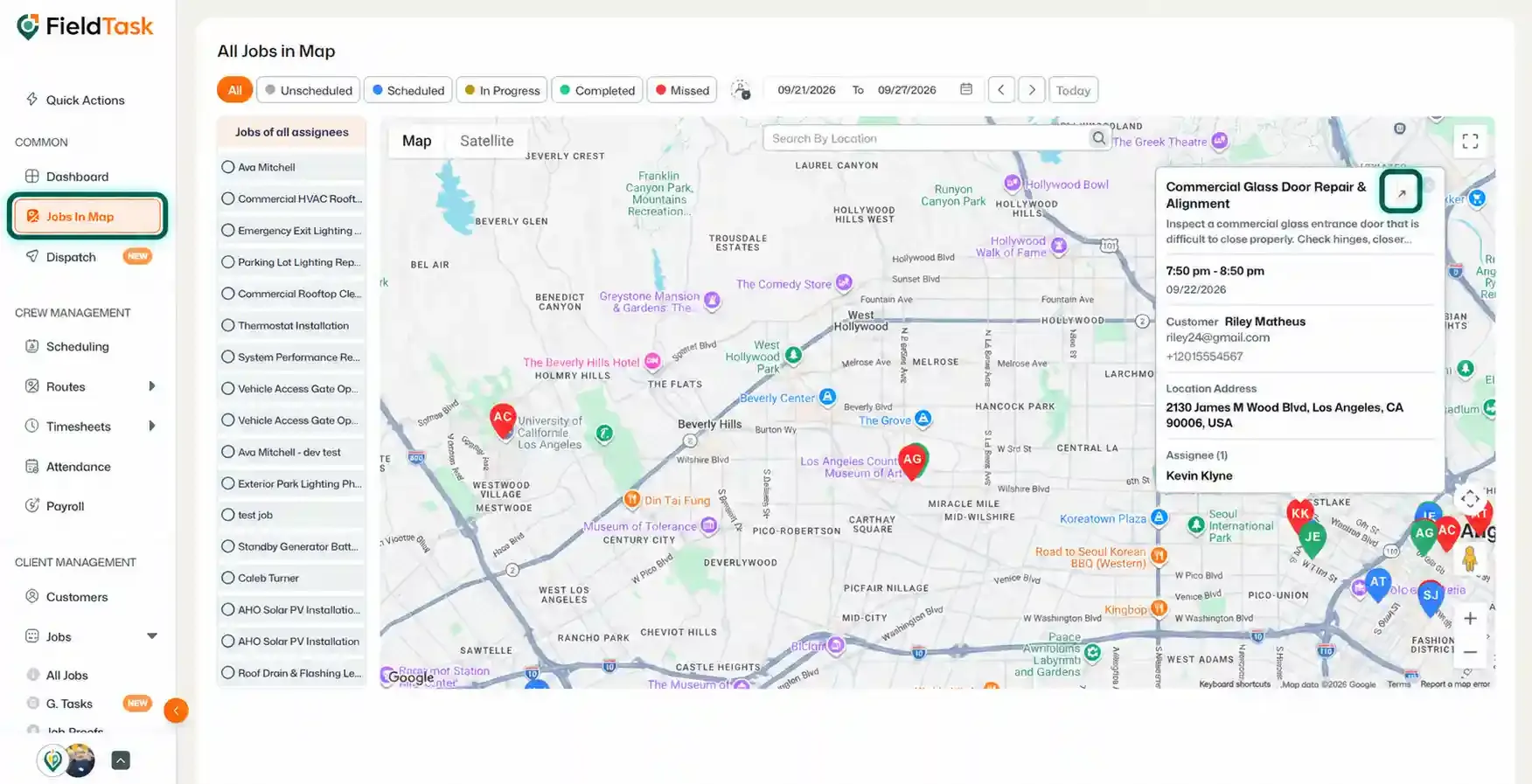
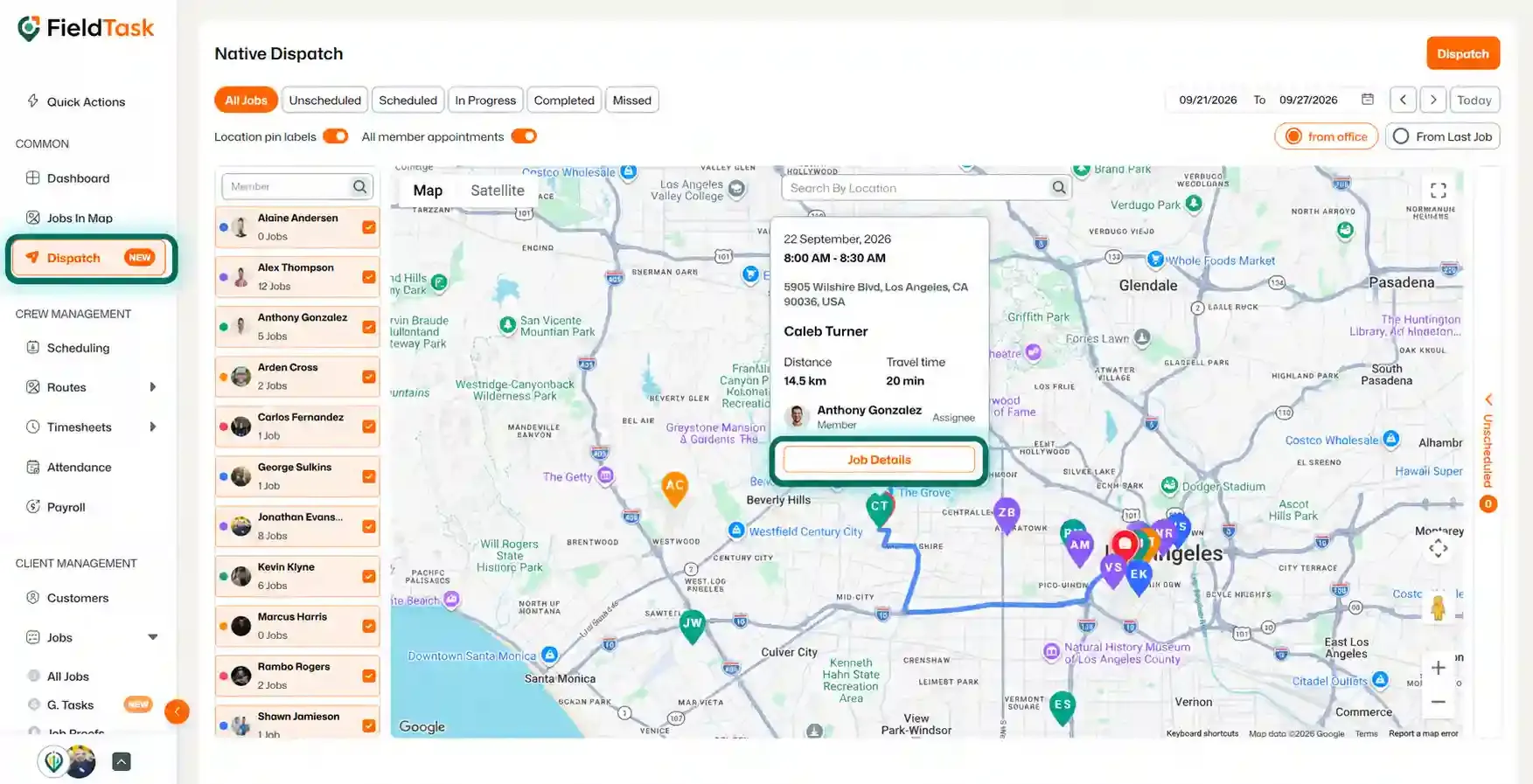
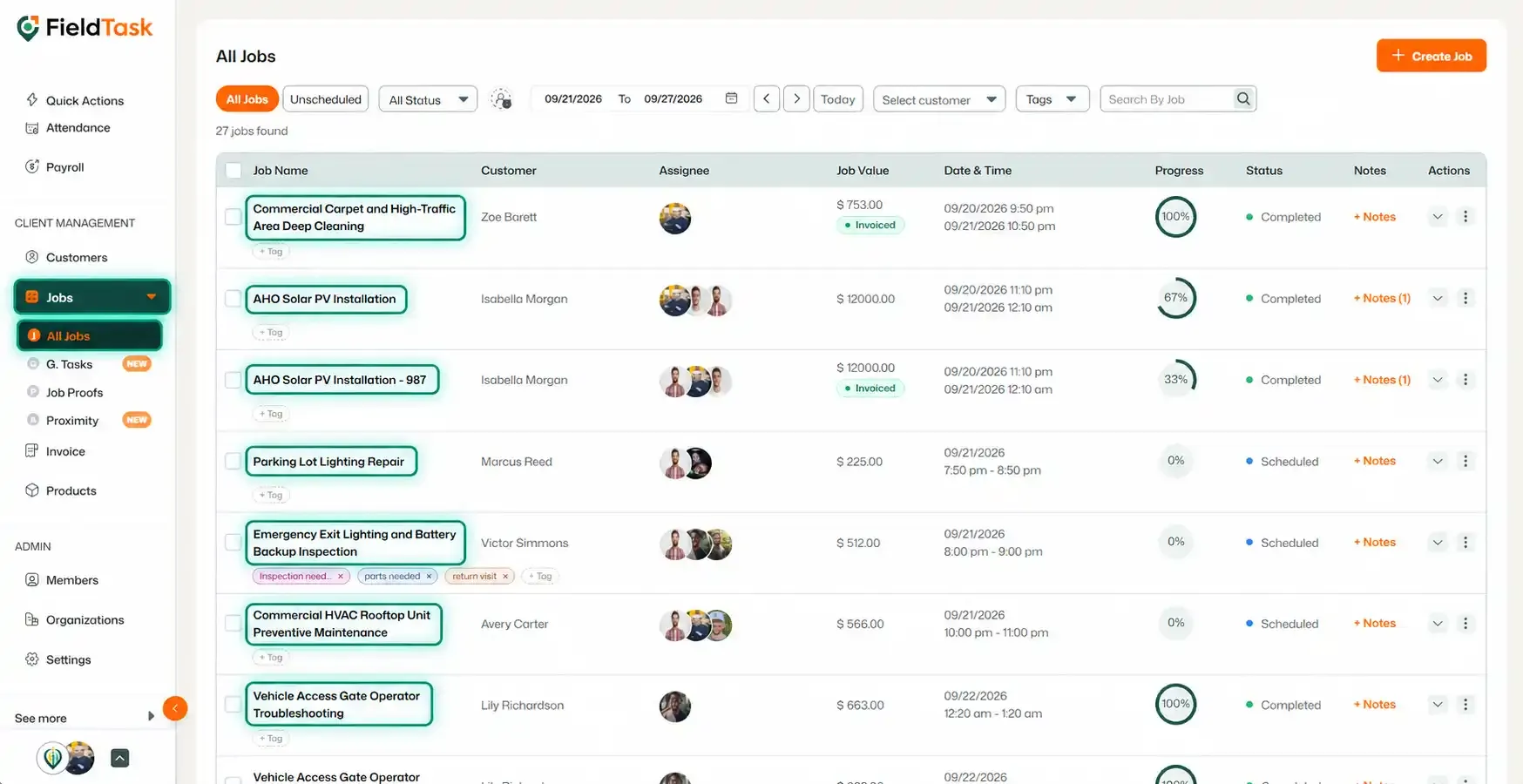
Regardless of which option you use, you will be taken to the same Job Details page.
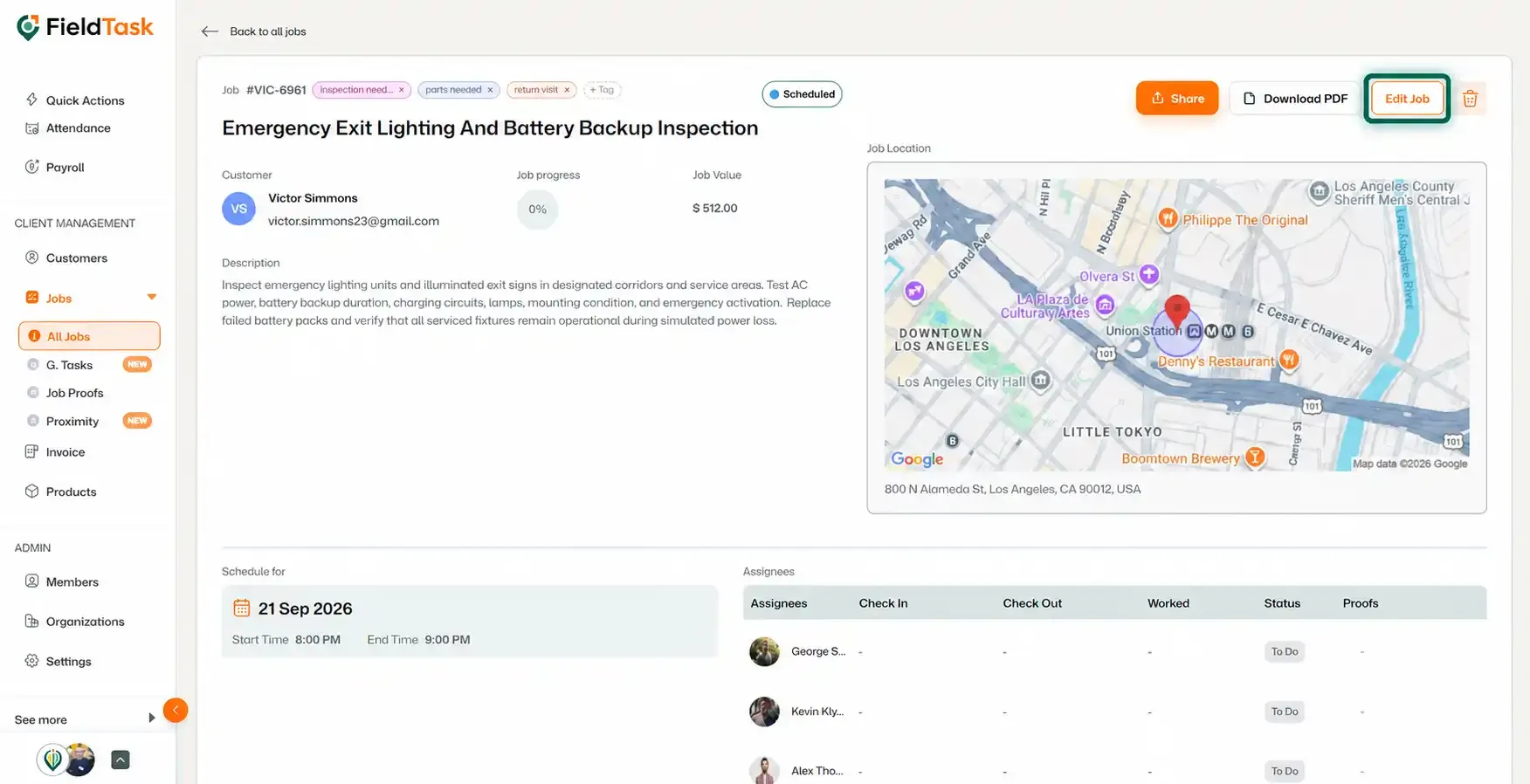
From here, you can make essentially the same changes available through the Scheduling page.
One additional option is available when editing Assignees: you can use FieldTask's Proximity feature to help with assigning the job.
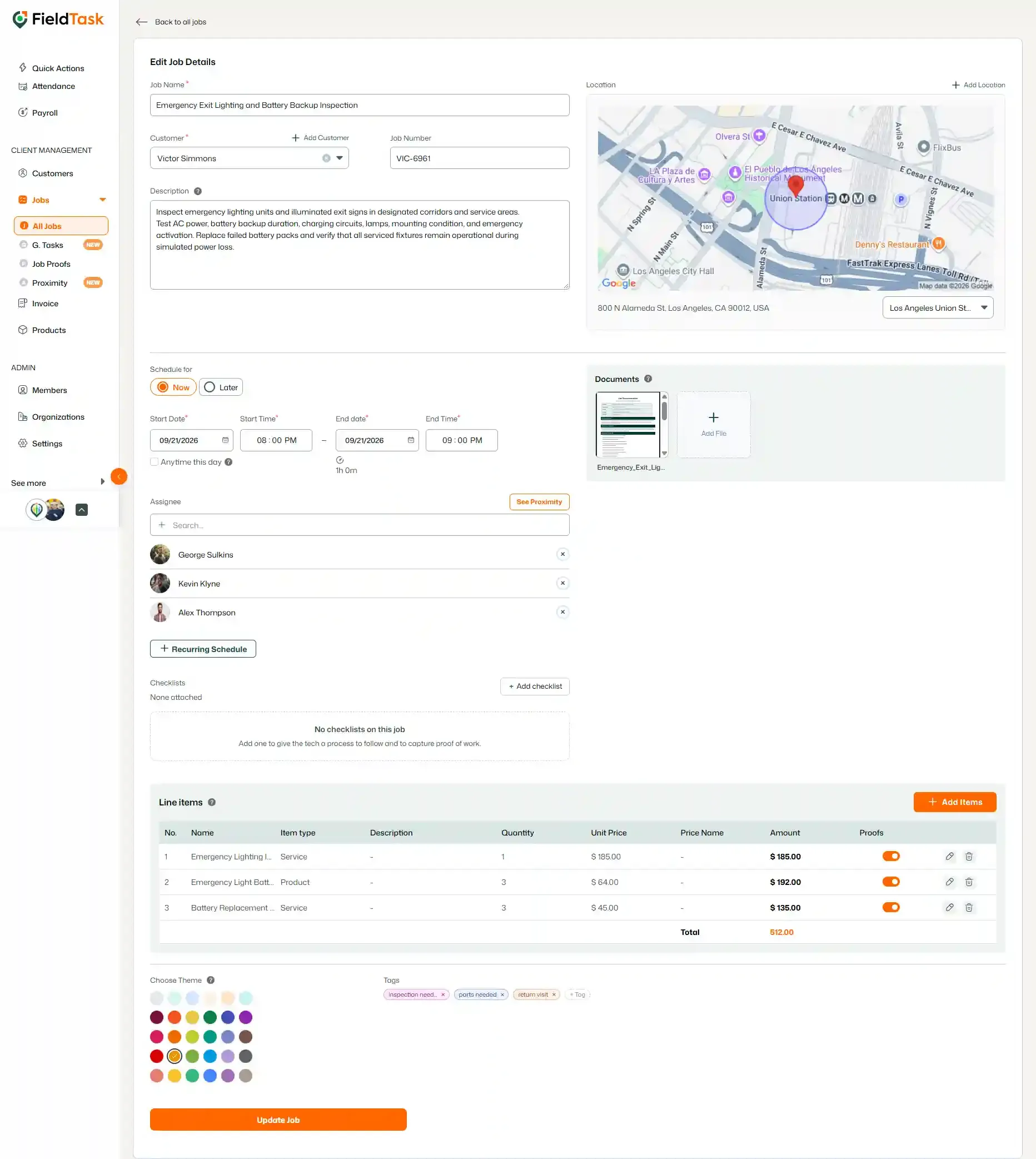
Once you have finished making changes, save the job.
You can also access the Edit Job page directly without opening the Job Details page first.
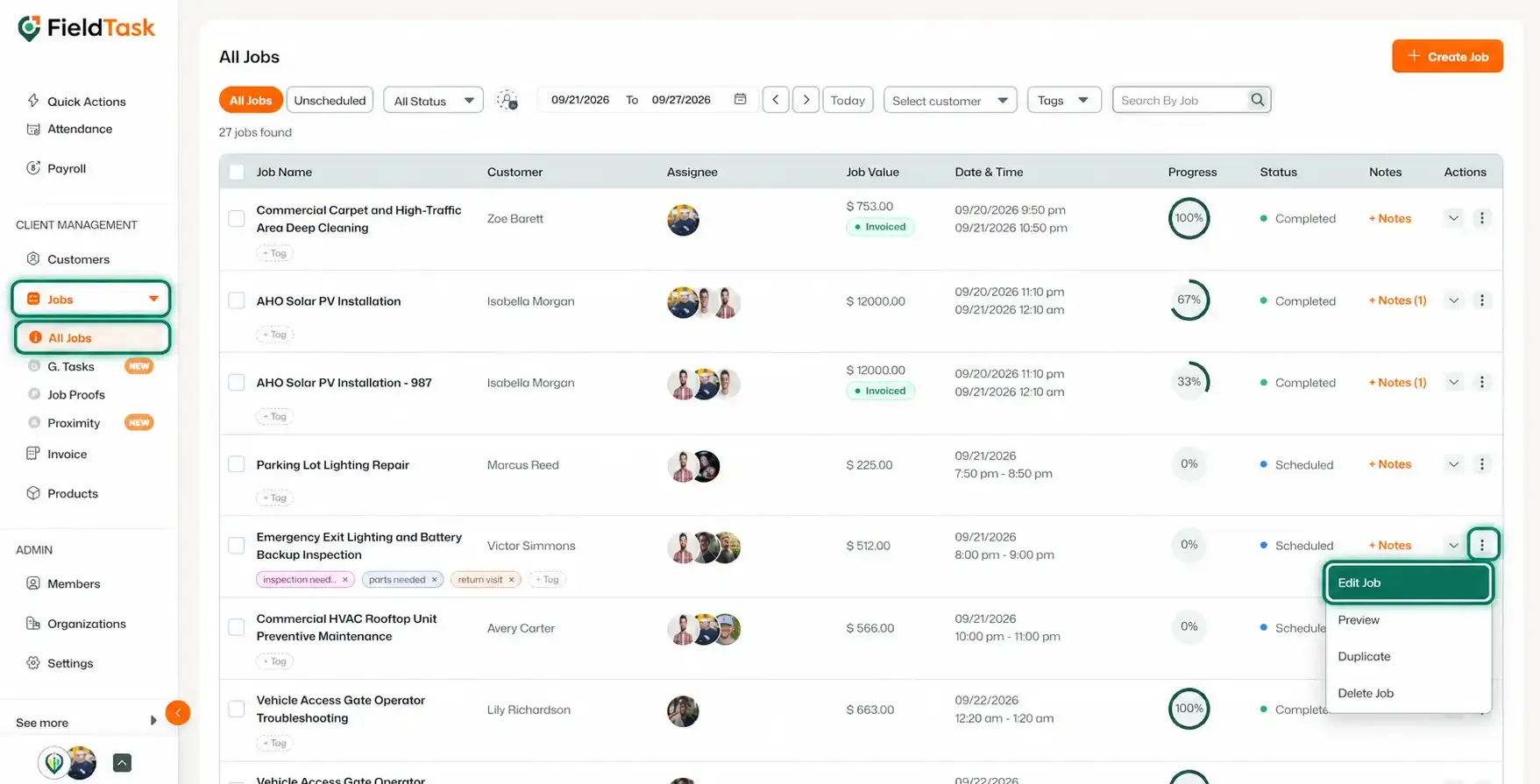
You will be taken directly to the job editing page.
You can also edit jobs from the FieldTask Mobile App, allowing you to update job information directly from your mobile device.
Manage dispatch, route plan, techs, quotes, invoices, and more in GHL, the only dedicated field service app for HighLevel home service businesses and contractors.
The complete FieldTask sitemap: quick links to all pages.
Learn how FieldTask supports HIPAA compliance for home health and field service teams—encryption, BAAs, access controls, and audit logging.